 Skip to content

With Mock It AI’s advanced AI-powered features like prompt builder, design placement, and fast image generation, you can effortlessly transform your ideas into high-quality, studio-like mockups in seconds.



Inbuilt prompt builder no hassle
Mock It’s inbuilt prompt builder makes creating prompts quick and hassle-free. No complex setups, just fast, accurate results to generate accurate prompts without frustration.

Control over design placement
Take full control of design placement with Mock It AI. Position elements exactly where you want them for a perfectly tailored look every time.

Consistent and high quality images
Get consistent, high-quality images with every design. Reliable precision and clarity across every mockup is guaranteed.

Fast generation within 30s
Generate the final design within just 30 seconds. Meet even the tightest deadlines with Mock It AI’s fast processing without sacrificing quality.

Camera and lens controls for creative framing
Adjust your camera’s depth, focus, and perspective however you want. Fine-tune the visual composition until you get the shot you wanted.

Thousands of professionally designed apparel templates
Choose from thousands of brand-specific apparel templates to streamline your design process. Pre-set designs that stay true to your brand’s identity.

3D mapping
Map flat designs onto apparel with realistic depth and structure. Visualization has never been this easy or effective.

Clipping masks
Control visibility in your designs with clipping masks. Reveal only the areas you want for precise, creative results.
Trusted By Designers At












What Customers Are Saying About Mock It
How to Use Mock It AI?
Creating professional mockups with Mock It AI is quick and requires minimal effort. Follow these simple steps to bring your designs to life in no time.
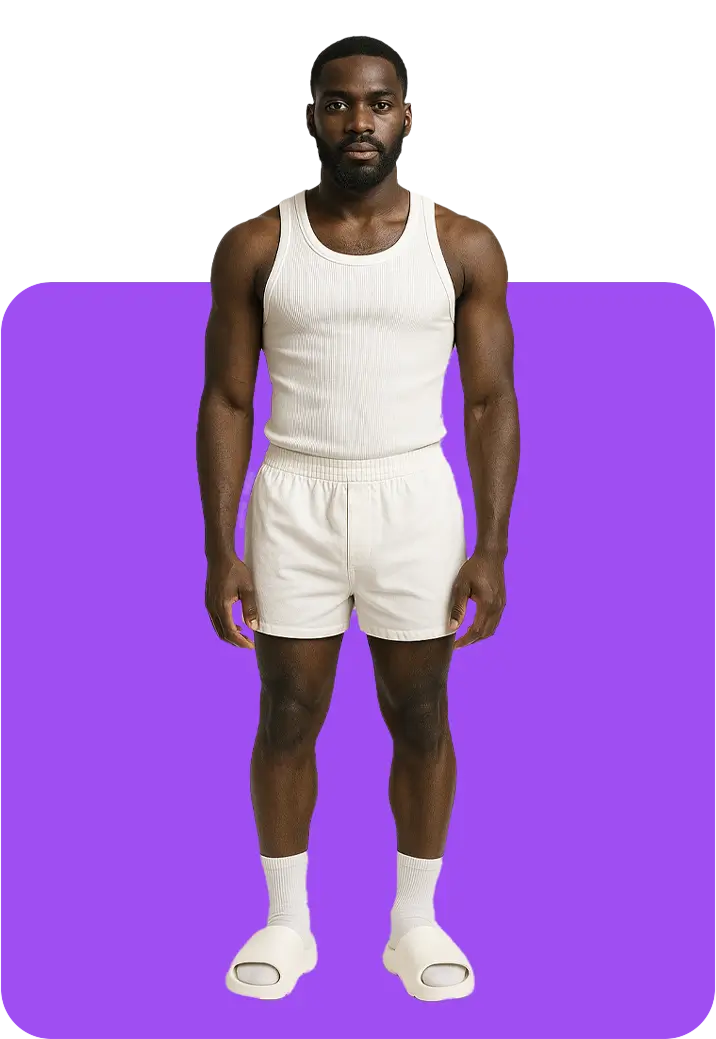
Step 1
Start by creating and customizing a model to match your design vision. Choose the model’s gender, age, ethnicity, hair, pose, and expression.
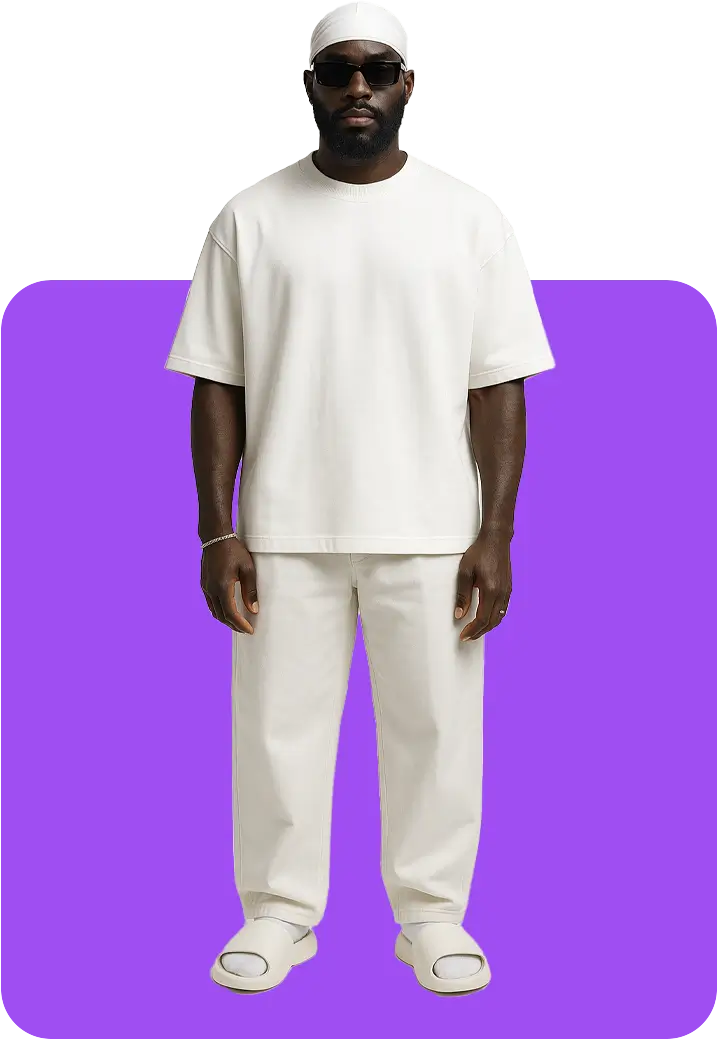
Step 2
Select the apparel, colors, and accessories for your model. Adjust fit and style to match your design concept.
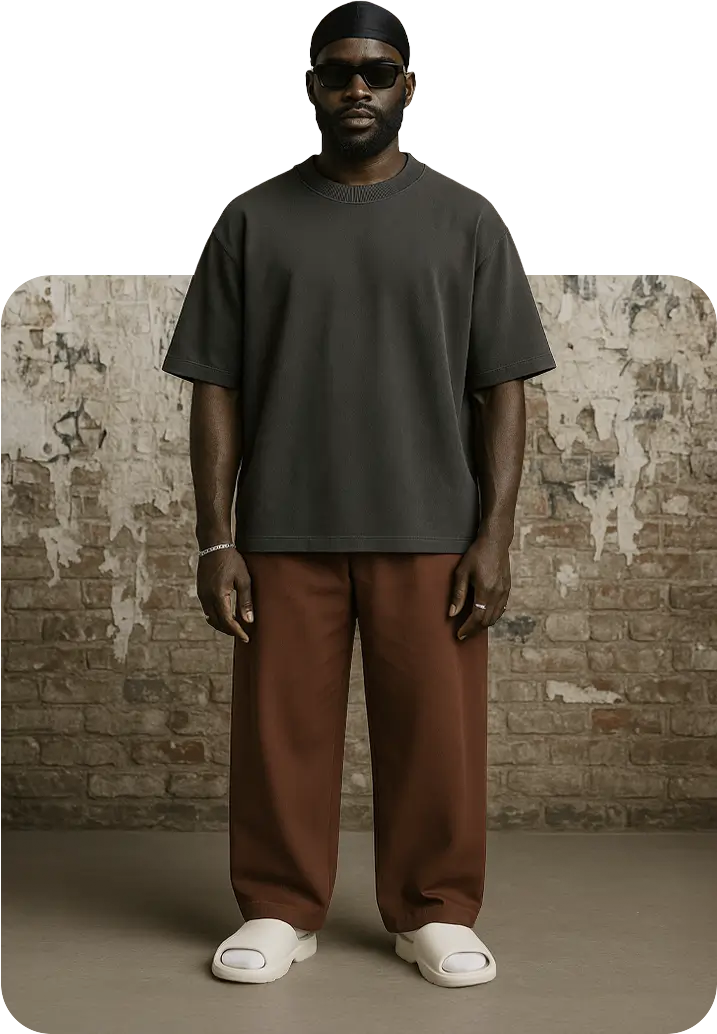
Step 3
Set the perfect scene by choosing a background, lighting, and environment details. Position your model in a setting that makes the design stand out.
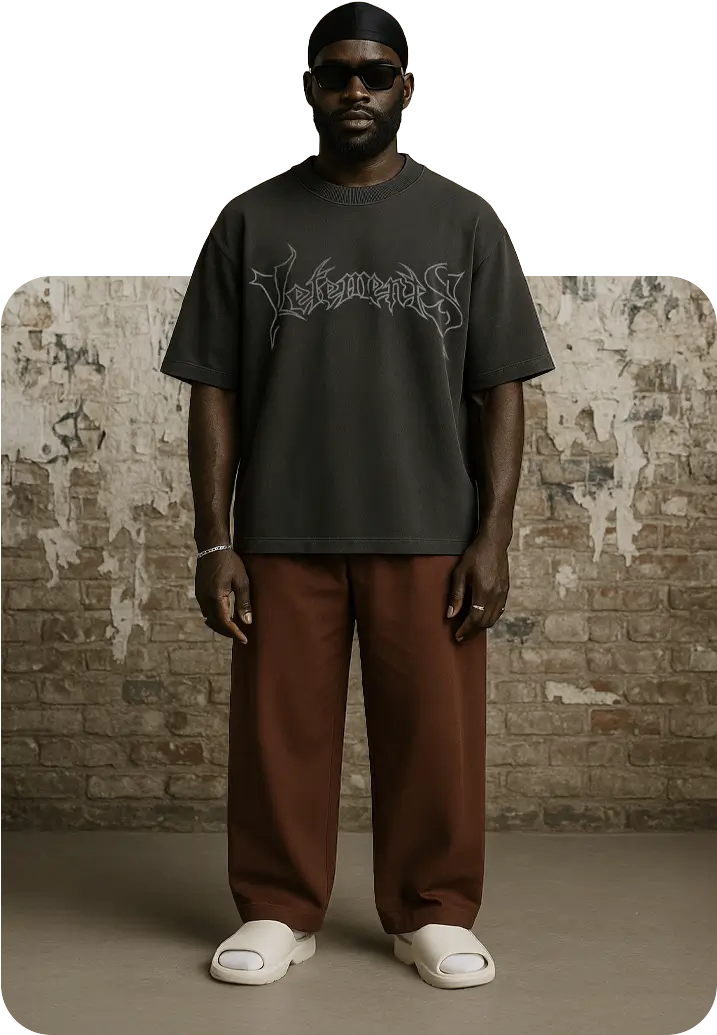
Step 4
Upload your design and position it on your model’s apparel. Adjust the design until it fits perfectly and looks realistic.
Video Tutorials
Choose the Plan that’s Right For You!
We believe that awesome, high quality AI images should be accessible
to everyone, no matter the size of your brand.

$12per month
-

-
-
-
-
-
-

$29per month
-

-
-
-
-
-
-
-

$69per month
-
-
-
-
-
-
-
Frequently Asked Questions (FAQs)
How does 3D mapping make designs look more realistic?
3D mapping adds depth and contour to the garment and makes the design follow the natural shape and structure of your model. This creates a more lifelike, accurate representation of how the garment would appear in real life.
Can I use multiple designs on a single garment?
Yes, you can upload multiple design variations to a single garment and choose the one that suits your brand or needs best. This allows you to test different designs and finalize the perfect fit.
Can I adjust the lighting or shadows in the mockups?
Yes, you can adjust the lighting and shadows in your mockups as you please. You have full control over the scene’s lighting setup and shadow direction, which helps achieve the perfect mood and highlights the garment’s features.
Yes, Mock It provides video tutorials to help guide you through the process of creating mockups. We also offer design recipes that you can copy. These include model details, clothing, location, device, lens, and pose details so you can build clean, repeatable images in seconds.
Yes, Mock It AI supports exporting mockups in PNG, JPG, WebP, and SVG formats. These formats give you the flexibility for editing, printing, and e-commerce use.
Yes, the mockups generated through Mock It AI’s paid plans are fully licensed for commercial use. You can use them for product marketing, branding, and e-commerce purposes.