 Skip to content

AI Moodboard Generator
Mock It Ai arranges style references and visual elements automatically to create cohesive inspiration boards for fashion designers. As an AI moodboard generator, it structures layouts, organizes visuals, and forms clear aesthetic direction without manual work, giving brand owners and designers a fast, reliable way to shape concepts and produce polished creative direction.

Trusted By Designers At












Fast Image Generation
Mock It AI creates high-quality mockups in under 30 seconds, accelerating the design process and saving valuable time.
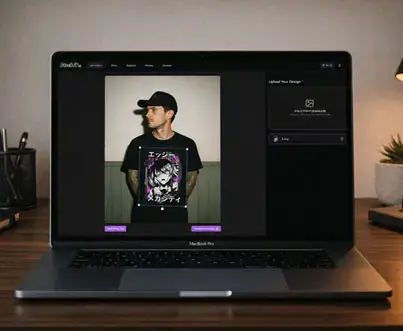
Create Your Model
Customize your model’s appearance, including body type, pose, and ethnicity, to match your vision.
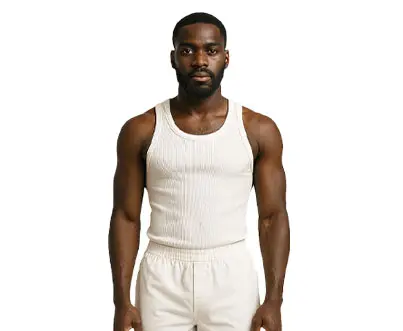
Choose the Clothing
Select from a variety of clothing styles and modify them to fit your brand’s design.
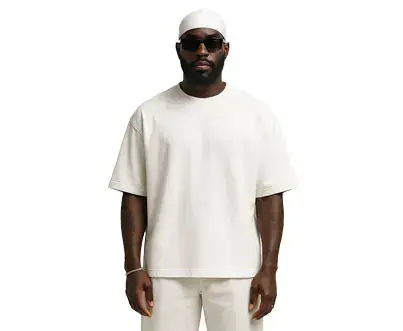
Camera Type
Choose from different camera options to set the right perspective and style for your mockup.
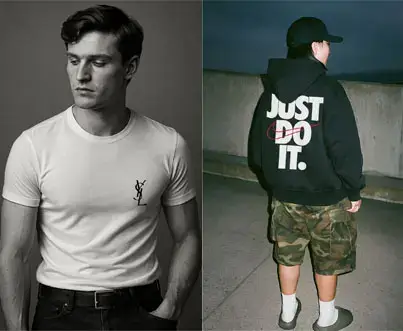
Lens Options
Adjust lens settings for effects like wide-angle views or close-up details, offering creative flexibility.
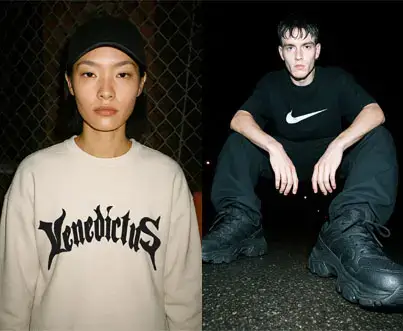
Create a Location
Design your perfect background or scene to complement your clothing mockup.
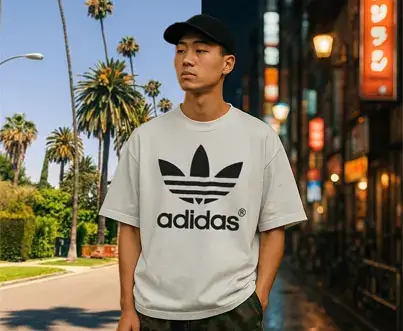
Choose Image Size
Select the image size needed for various uses, from social media to large-scale prints.
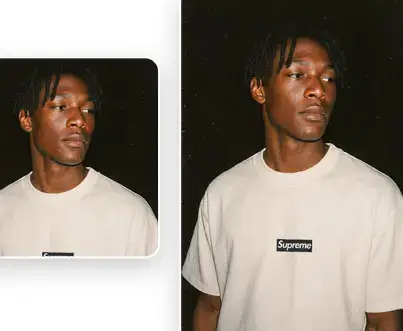
Framing
Fine-tune the framing of your mockup to ensure the right focus on key design elements.
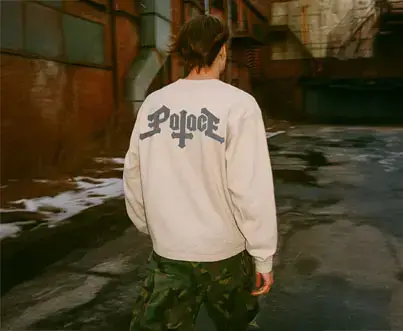
Photography Style
Pick a photography style that aligns with your brand’s aesthetic, from modern to classic looks.
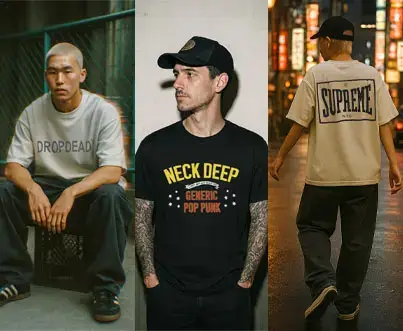
Distortion Options
Apply realistic fabric distortions, such as stretching or bending, to add authenticity to your mockups.
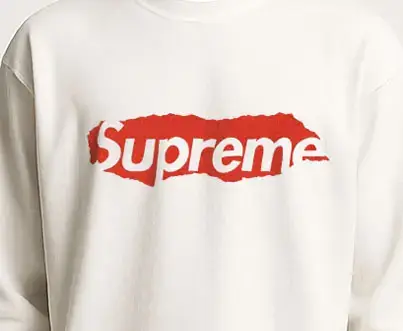
Prompt Builder
Use the built-in Prompt Builder for quick, hassle-free mockup generation based on your design preferences.
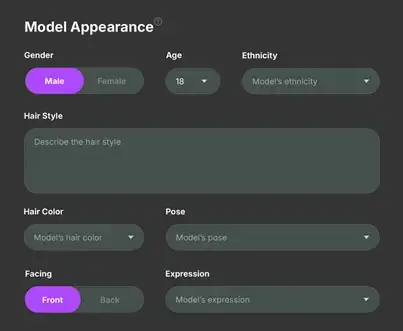
3D Mapping
Ensure a perfect fit with 3D mapping, aligning clothing with the model for more accurate and realistic mockups.
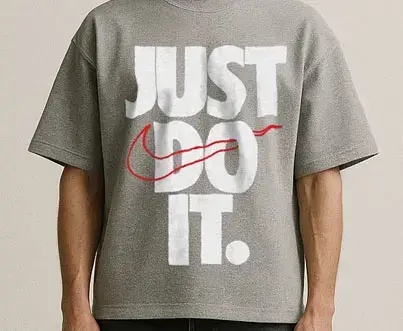
Realistic Textures
Add high-quality, realistic textures to fabrics for a true-to-life look and feel.
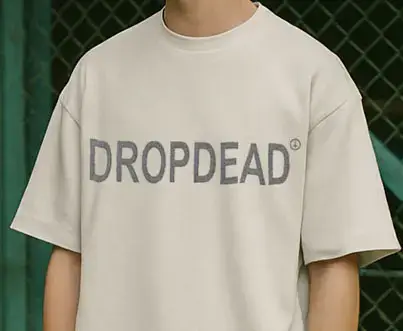
Clipping Masks
Use clipping masks for precise editing, offering full control over the details of your mockup.
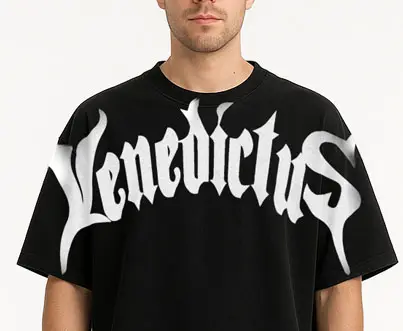
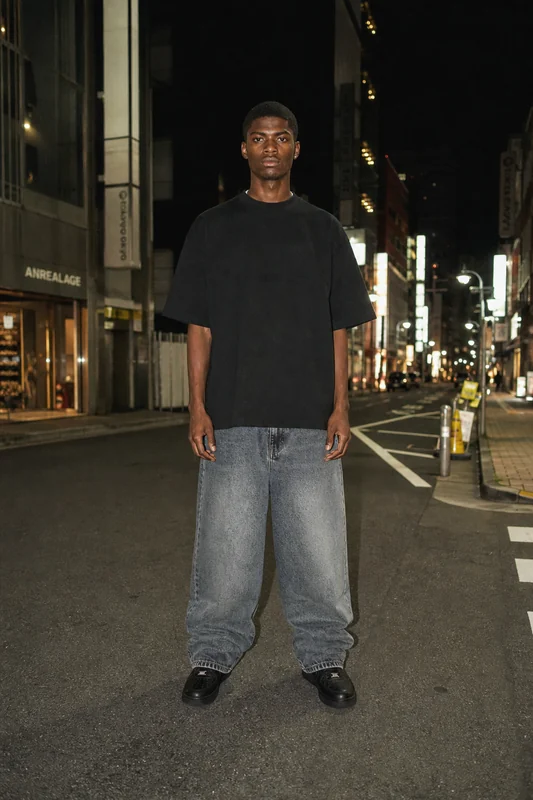
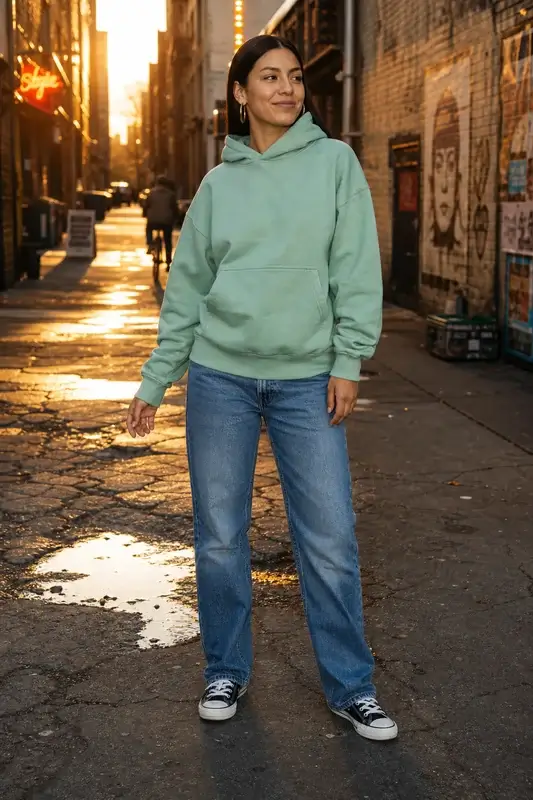
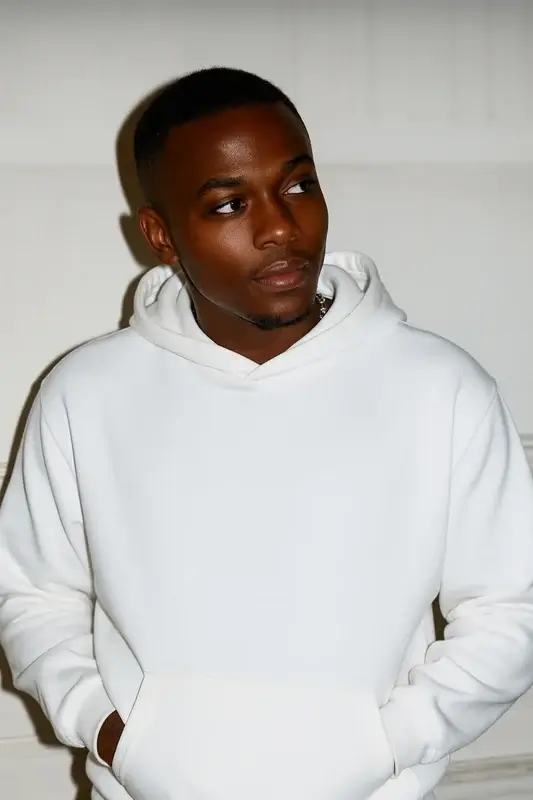
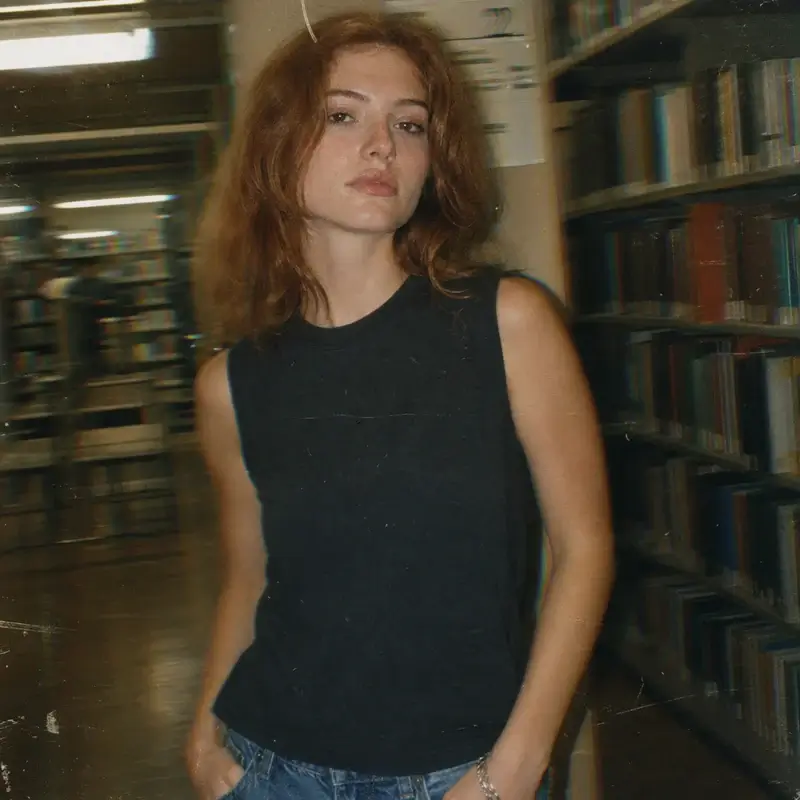
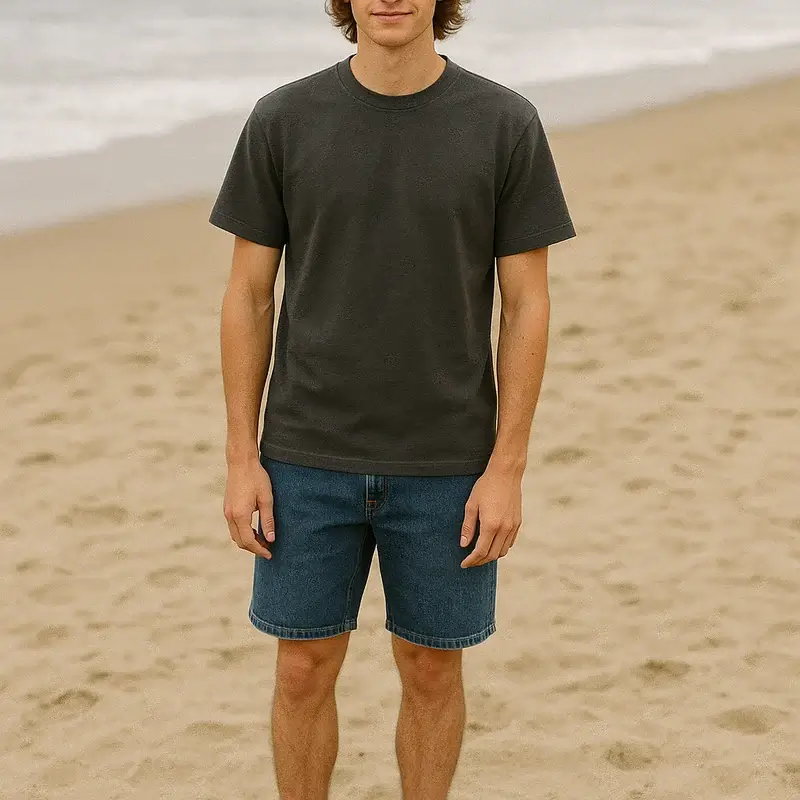
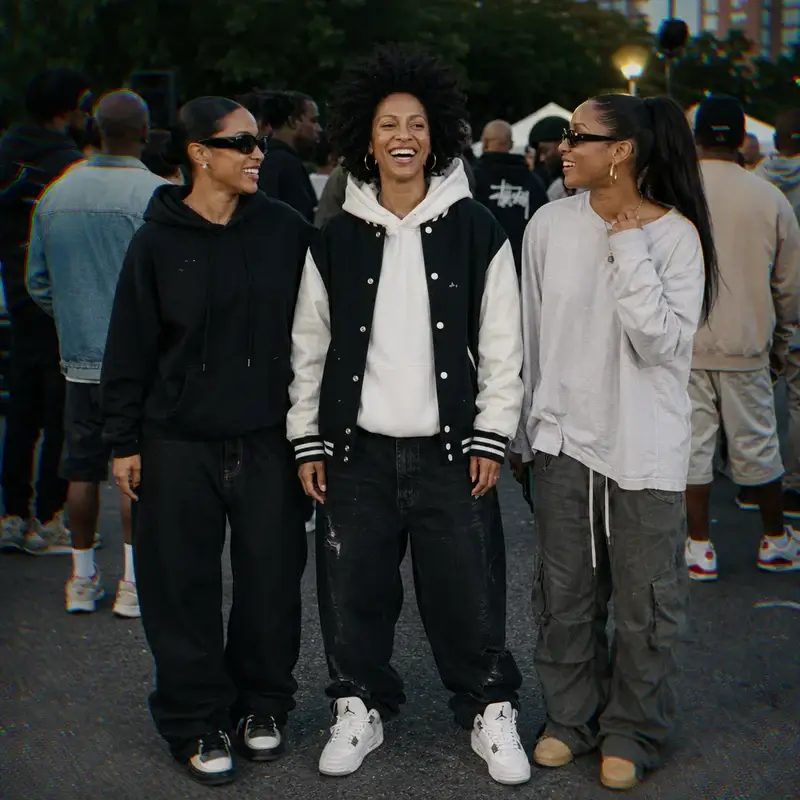
Our Community Mockups
Who Uses Mock It AI Moodboard Generator?
Mock It AI moodboard generator is used by a diverse range of creators like brand owners, designers, and fashion students who rely on fast, organized visuals for projects, campaigns, and concept development. Each group benefits from quick generation, a simple process, and reliable results that simplify their creative tasks.

Comparison: AI Moodboard Generator vs Manual Moodboard
AI-powered moodboard generation is faster and more structured than traditional manual methods, forming a clear visual direction in a fraction of the time. Manual moodboard requires gathering images, arranging layouts, and refining structure by hand, while AI automates these steps to deliver consistent results with minimal effort.
AI creates a professional moodboard in seconds, while manual moodboarding takes hours to gather cohesive visuals, arrange layouts, and refine the overall structure.
AI keeps image quality and layout alignment consistent across the entire board, reducing the uneven results commonly found in manual processes.
AI removes the need for extended design time or external support, giving users a budget-friendly option for producing clear visual direction.
AI applies structured composition, clean alignment, and cohesive visual cues automatically, making the board appear fully polished.
AI moodboard generators use automated arrangement to replace repetitive tasks of manual workflows, giving users more time to focus on ideas.
In AI, users can adjust style, layout, and visual elements within seconds, while manual boards require rebuilding or reorganizing for every change.
How to Generate an AI Fashion Moodboard in 4 Simple Steps?
Creating a moodboard with Mock It AI follows a clear, streamlined process from selecting the style and aesthetic to layout customization and exporting. It allows users to complete the entire process efficiently, forming cohesive visual direction without manual editing.
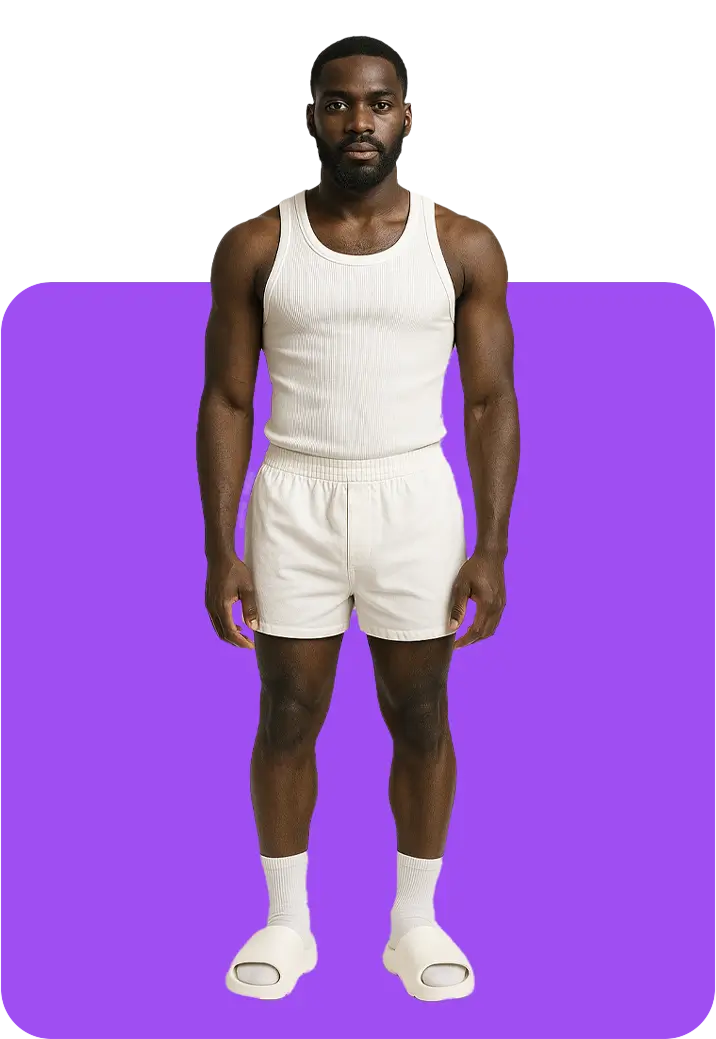
Step 1
Choose a style that matches your concept, such as streetwear, casual, formal, chic, vintage, or another to set the visual tone of the board.
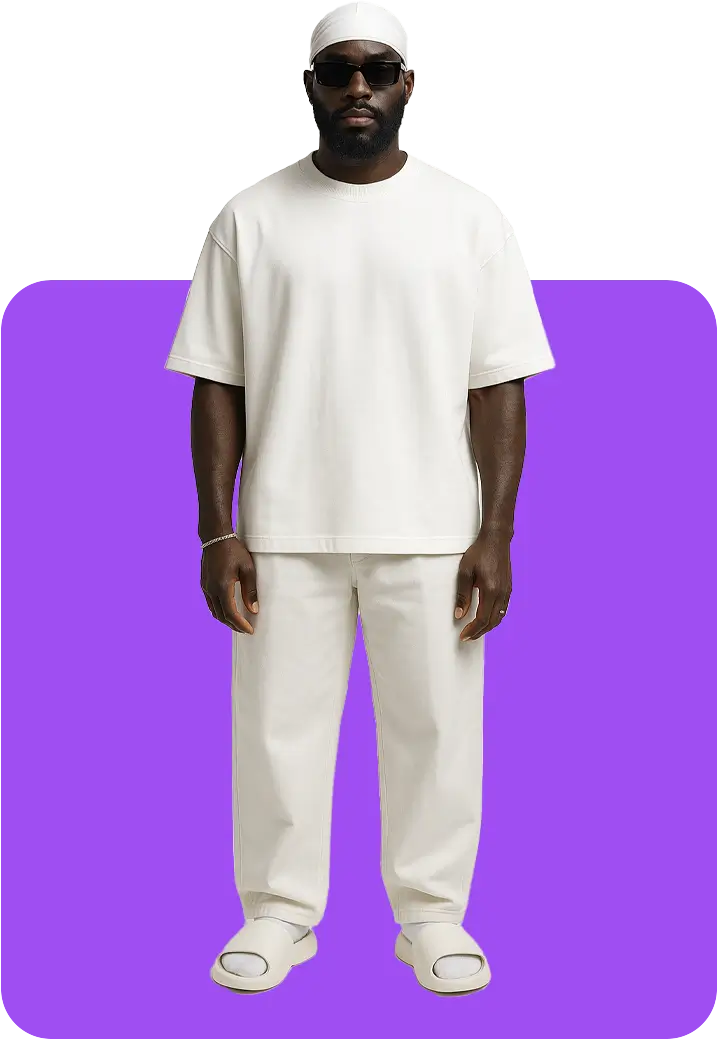
Step 2
Add a detailed description of the look or theme you want, and the system uses this input to shape the moodboard’s direction.
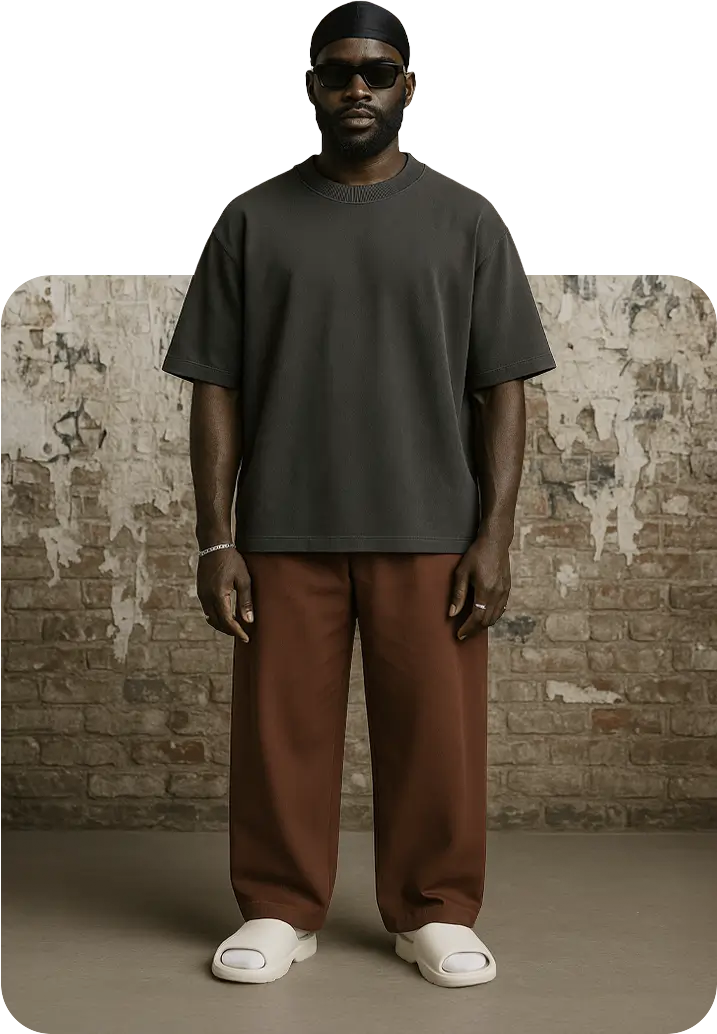
Step 3
Process your inputs and let Mock It AI arrange the visual elements, references, and textures into a cohesive layout within seconds.
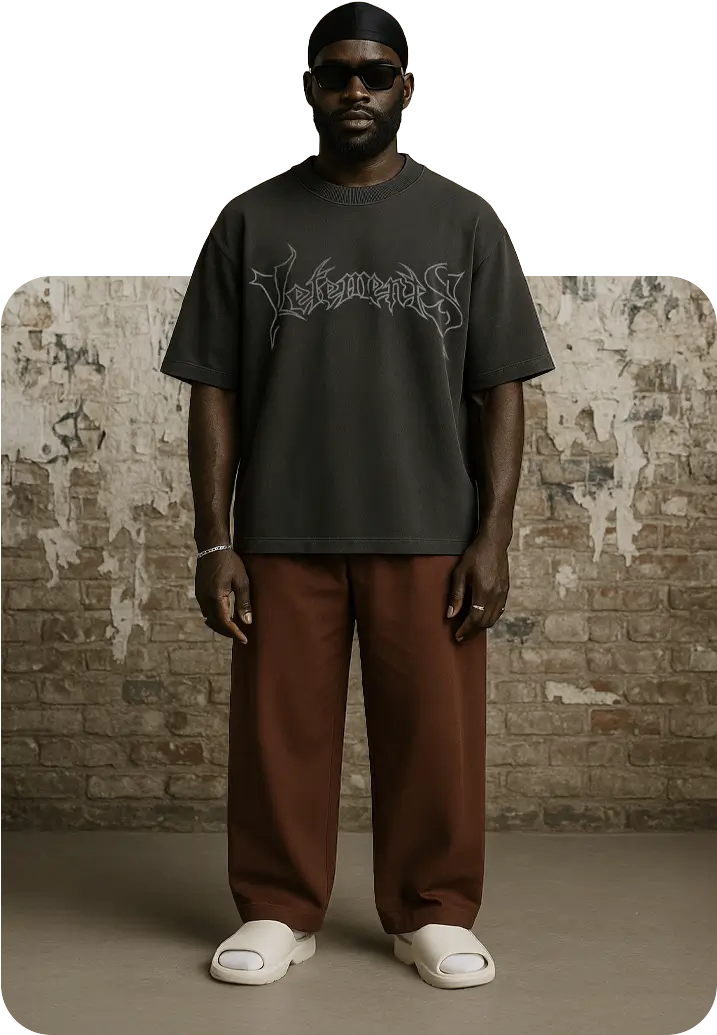
Step 4
Adjust layout arrangement, swap elements, or refine the structure, then download your completed moodboard in PNG, JPG, WebP, or SVG formats.
Start Creating Professional Fashion Moodboards Today
Create your fashion moodboard instantly with Mock It AI. Describe your style and aesthetics, and watch it get arranged in a clean, cohesive layout in seconds. The AI handles structure, placement, and visual organization for you, giving you polished results in just one click.
Create a MockupWhat Customers Are Saying About Mock It
Choose the Plan that’s Right For You!
We believe that awesome, high quality AI images should be accessible
to everyone, no matter the size of your brand.
$12per month
-

-
-
-
-
-
-

$29per month
-

-
-
-
-
-
-
-

$69per month
-
-
-
-
-
-
-