


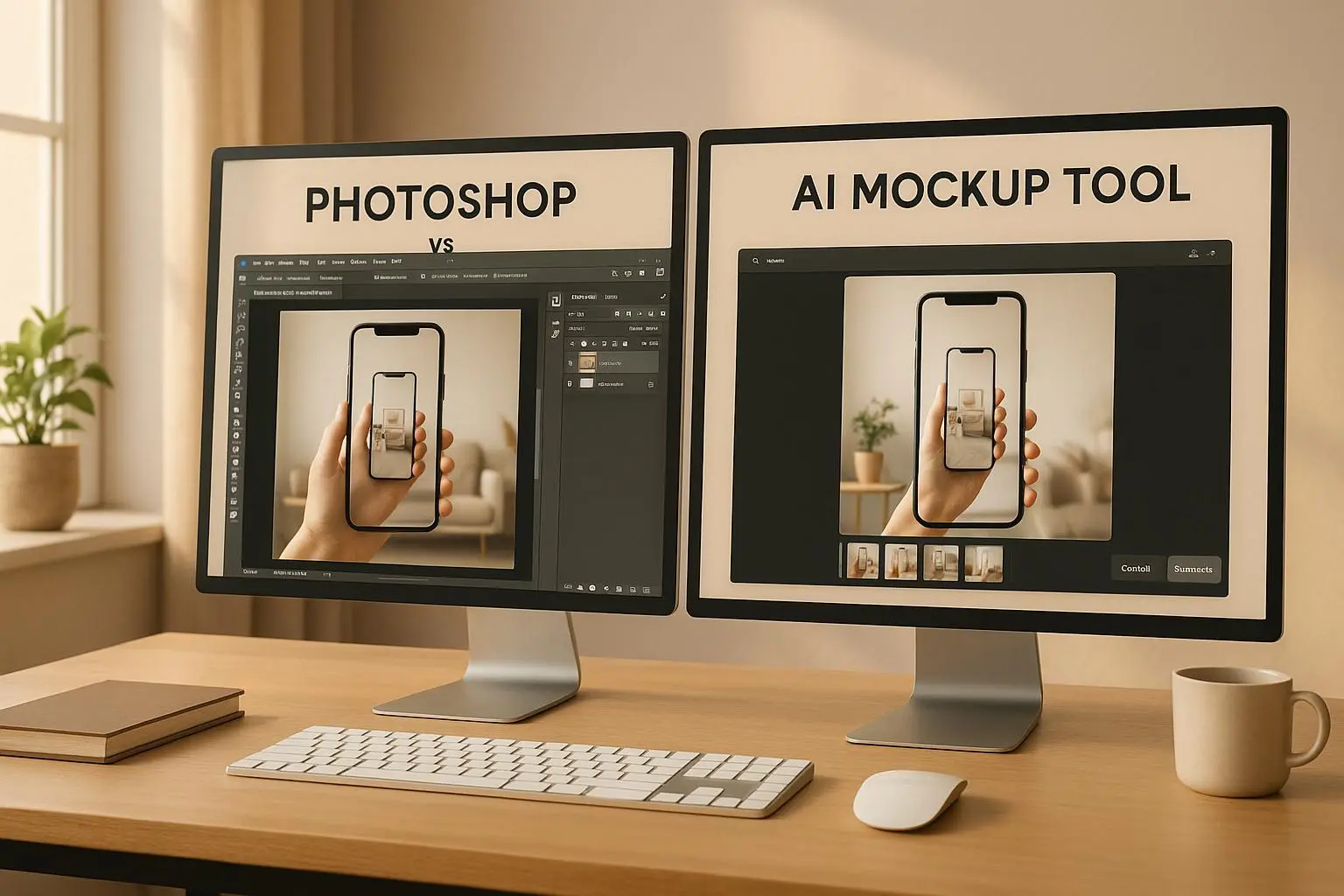
- Photoshop offers unmatched control and precision, ideal for high-quality, detailed designs. However, it requires advanced skills and significant time investment.
- AI Mockup Tools like Mock It AI are fast, user-friendly, and affordable, making them perfect for producing large volumes of visuals quickly, especially for e-commerce and marketing.
Key Differences:
- Customization: Photoshop excels in detailed edits, while AI tools simplify the process with automated features.
- Ease of Use: Photoshop has a steep learning curve; AI tools are beginner-friendly.
- Speed: AI tools generate mockups in minutes; Photoshop takes longer but allows for intricate designs.
- Cost: Photoshop costs $22.99/month, while AI tools start at $12/month with flexible plans.
Quick Comparison Table:
| Feature | Photoshop | AI Mockup Tools |
|---|---|---|
| Customization | Advanced, manual control | Automated, simple adjustments |
| Ease of Use | Requires design expertise | Minimal training needed |
| Time Efficiency | Slower, detailed workflows | Fast, automated generation |
| Cost | $22.99/month | $12–$69/month |
For brands needing precision and high-end visuals, Photoshop is the go-to. For speed and scalability, AI tools are the better choice. Some brands even combine both for the best of both worlds.
AI vs Photoshop: Which Makes the Better Mockup?
Photoshop: Features and Applications
Adobe Photoshop continues to be a go-to tool for professional designers working on detailed fashion mockups. Its wide range of features provides designers with precise control over every element of their clothing visualizations, from simple color tweaks to intricate, multi-layered compositions.
Editing and Customization Options
Photoshop’s PSD file format is a cornerstone for creating advanced clothing mockups. It allows designers to work with multiple layers, giving them the flexibility to edit each component separately. Many professional mockup templates found on platforms like Envato Elements and Creative Market are built specifically as PSD files, making them compatible with Photoshop’s powerful editing tools.
The software’s smart objects feature is particularly useful for making design adjustments without compromising quality. Tools like 3D perspectives and blending modes help simulate realistic fabric textures and lighting effects. Additionally, Photoshop offers detailed texture options and advanced warping tools, which make it possible to align graphics seamlessly with the natural contours of fabric.
Its robust layer system, complete with overlays for lighting, shadows, and highlights, provides unparalleled control over every detail. Whether you’re creating vector-based illustrations or photorealistic templates, Photoshop delivers the flexibility needed for professional-grade results. However, mastering these features requires a solid understanding of the software.
Skill Requirements and Time Investment
Photoshop’s powerful capabilities come with a steep learning curve. To achieve professional-quality results, designers must become proficient in techniques like layer management, masking, and blending. Advanced tools such as 3D rendering and texture mapping demand even more specialized knowledge, making expertise a necessity.
Best Use Cases for Photoshop
Photoshop shines in high-end production settings where complete creative control and detailed customization are vital. It’s particularly suited for crafting intricate garment visualizations that meet the high aesthetic standards of today’s competitive U.S. fashion industry. This level of precision and flexibility makes it a preferred choice for fashion brands aiming to deliver flawless digital presentations.
AI Mockup Tools: Features and Applications
AI-powered tools have transformed the process of creating digital mockups, making it faster and easier than ever. By automating tasks that once required advanced design skills, these tools allow fashion brands to produce professional-quality visuals without the need for manual editing. For brands looking to streamline their design process, these platforms offer a practical and efficient solution.
Automated Workflow and Speed
The standout feature of AI mockup tools is their ability to automate the entire content creation process. Unlike traditional software, where users must manually edit layers, textures, and lighting, AI handles these tasks instantly. All you need to do is input your design details, and the tool generates realistic mockups in no time.
What’s more, these tools go beyond just applying templates. They can automatically adjust lighting conditions, apply fabric textures that look lifelike, and even create multiple mockup variations in seconds. This level of automation allows fashion brands to quickly test ideas and adapt to market trends without the delays of traditional workflows. It’s this kind of efficiency that makes platforms like Mock It AI such a game-changer.
Mock It AI Platform Features
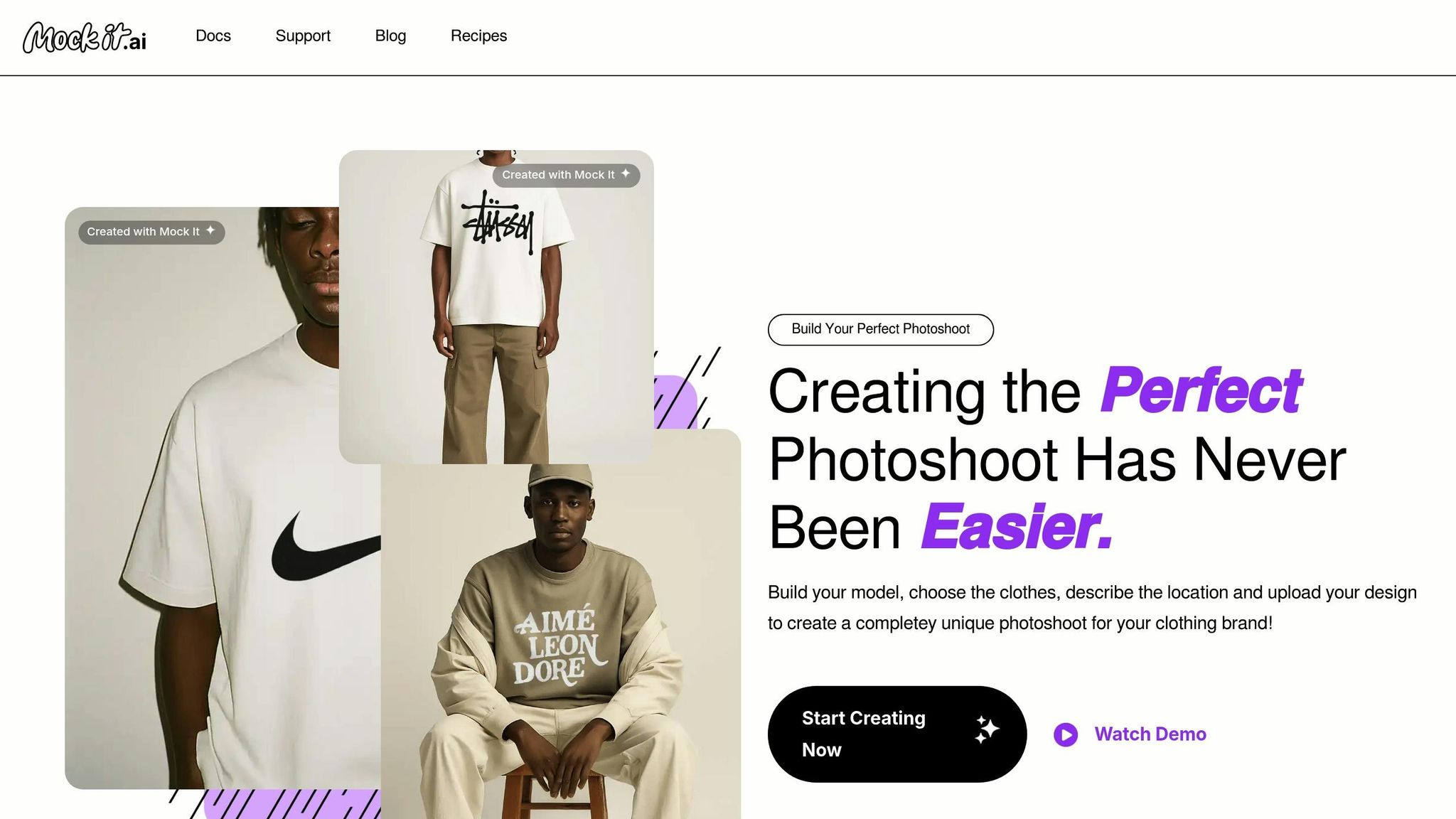
Mock It AI simplifies the visualization process by offering a range of customization options. Users can tailor models, choose garments, set backgrounds, and upload their designs to match their brand’s aesthetic. The platform’s transparent credit-based pricing makes it accessible for businesses of all sizes:
- Starter Plan: $12/month for 100 credits
- Growth Plan: $29/month for 250 credits
- Pro Plan: $69/month for 650 credits
This pricing model ensures flexibility, allowing U.S. fashion brands to scale their usage without hefty upfront costs, making it easier to manage marketing budgets effectively.
When to Use AI Mockup Tools
AI mockup tools shine in scenarios where speed and efficiency are critical. For e-commerce and seasonal campaigns, where brands need to produce a variety of product visuals quickly, these tools are invaluable. They allow companies to minimize costs while accelerating the creation of online catalogs or social media content.
Digital marketing efforts also benefit from the versatility of AI-generated mockups. The ability to test multiple visual approaches without the time and expense of traditional photoshoots or detailed design work is a major advantage.
For small to medium-sized fashion brands, AI mockup tools are particularly useful when launching new product lines or exploring new categories. Starting with fashion design generation to develop initial clothing concepts, then testing them with audiences before committing to physical production, helps brands reduce risks and bring products to market faster.”
Seasonal campaigns also see significant advantages. Instead of starting from scratch, AI tools can quickly adapt designs to different themes or demographics while maintaining brand consistency. This makes them an essential tool for agile marketing strategies, especially when compared to traditional Photoshop workflows.
That said, AI mockup tools do have their limitations. For brands requiring intricate artistic effects, unique fabric behaviors, or complex layered designs, traditional design software may still be the better choice. These tools are best suited for outputs that align with their automated strengths, offering speed and practicality for a wide range of creative needs.
sbb-itb-2c1a147
Side-by-Side Feature Comparison
Choosing between Photoshop and AI mockup tools means weighing factors like customization, ease of use, cost, and speed. Each tool shines in different areas, so the right choice depends on your specific needs, budget, and project timeline.
Feature Comparison Chart
Here’s a breakdown of how these tools stack up across key design aspects:
| Feature | Photoshop | AI Mockup Tools |
|---|---|---|
| Customization Depth | Provides advanced control with layers, filters, and manual tweaks for detailed designs | Simplifies tasks like model creation, clothing selection, and scene setup |
| Ease of Use | Requires substantial design skills and experience | Built for users with no formal design background |
| Time Efficiency | Can take considerable time to create a single mockup | Produces mockups in minutes |
| Template Availability | Relies on creating designs from scratch or manual adaptation | Includes pre-made scenarios to streamline the process |
| AI Automation | Fully manual adjustments | Automates tasks like lighting, textures, and positioning |
| Monthly Cost (USD) | Approximately $22.99/month with a Creative Cloud subscription | Pricing ranges from $12 to $69/month, depending on usage (100–650 credits) |
| Workflow Integration | Uses traditional file management and version control | Cloud-based with instant generation and easy downloads |
| Learning Curve | Steep learning curve, often requiring months of practice | User-friendly interface with minimal training needed |
This comparison highlights how each tool caters to different priorities in the design process, particularly for U.S.-based fashion brands.
For brands that need intricate, high-quality customizations, Photoshop is the go-to choice, though it demands more time and expertise. On the other hand, AI mockup tools are ideal for e-commerce and marketing teams that prioritize speed and simplicity, offering a faster and more accessible solution for creating polished visuals.
Which Tool Fits U.S. Fashion Brands
U.S. fashion brands choose their tools based on what their operations demand, the markets they target, and their overall business goals. Each tool serves a specific purpose, whether it’s meeting the fast-paced needs of e-commerce or helping a brand carve out its unique identity in a competitive market.
U.S. Business Requirements
Fashion brands in the U.S. face unique operational challenges that heavily influence their choice of design tools. For example, the growing reliance on e-commerce means these brands need a large volume of consistent product images – often adhering to standard U.S. sizing (like a 32-inch waist or a size 8 dress). These images are critical for quick product launches and keeping up with seasonal trends.
For fast fashion retailers, speed is everything. They need mockups completed within hours to meet tight deadlines. While Photoshop offers unmatched customization, it can slow things down when creating hundreds of product images for a single collection. This is where AI-powered tools like Mock It AI shine, as they streamline the process without compromising on quality.
Budgeting also plays a big role. Many U.S. businesses operate on subscription-based models, and Mock It AI’s straightforward pricing structure aligns well with these practices. In contrast, Photoshop’s pricing can be a heavier investment, which might not suit brands working with tighter budgets.
Brand Building and Marketing Results
In a crowded market, visual consistency is key to building trust and recognition among U.S. consumers. AI mockup tools are particularly effective here, ensuring that lighting, poses, and backgrounds remain uniform across an entire product catalog. This cohesive look helps strengthen a brand’s identity and makes it more memorable.
Social media is a crucial battleground for U.S. fashion brands, and the speed offered by AI mockup tools is a game-changer. These tools allow brands to quickly produce multiple variations of a single product for different platforms, making it easier to test which styles and visuals resonate most with their audience. For instance, Mock It AI’s starter plan, which supports over 100 mockups per month, can significantly boost a brand’s social media presence without breaking the bank – something that traditional Photoshop workflows might struggle to achieve cost-effectively.
That said, premium brands with a focus on luxury often lean toward Photoshop for its advanced editing capabilities. These brands cater to affluent consumers and are willing to invest in the time and resources needed for pixel-perfect customization. For them, Photoshop’s intricate features are worth the extra effort to craft a distinctive, high-end image.
Finally, data-driven marketing strategies also influence tool choices. AI mockup tools produce consistent image formats, making it easier to test and optimize visuals for better conversion rates. In contrast, Photoshop’s more variable outputs can sometimes complicate this process. Brands that prioritize measurable results often find AI tools more efficient for refining their marketing strategies.
These considerations highlight how U.S. fashion brands can select tools that align with their goals and operational needs.
Which Tool Should You Choose
Deciding between Photoshop and AI mockup tools depends on a few key factors: your budget, workflow needs, and branding goals. Let’s break it down to help you figure out which option works best for your fashion brand.
Budget: If you’re a startup or a small U.S. fashion brand working with limited funds, Mock It AI offers a starter plan for just $12 per month, giving you 100 mockups – an affordable choice. On the other hand, Photoshop requires a Creative Cloud subscription and often skilled designers, which can drive up costs.
Volume and Speed: Need to churn out a large number of designs quickly? AI mockup tools are perfect for creating consistent visuals at scale, making them ideal for brands managing large catalogs or launching multiple collections in a season. Photoshop, however, shines when you need detailed, custom edits for more curated content.
Team Expertise: Tools like Mock It AI are user-friendly, allowing team members to create professional mockups with little to no training. Photoshop, while powerful, has a steeper learning curve and often requires experienced designers to get the most out of it.
Brand Positioning: For fast fashion or contemporary brands, the speed and consistency of AI tools are a huge plus, especially for social media campaigns and frequent launches. On the flip side, luxury and premium brands might lean toward Photoshop for its advanced editing options, which help create visuals that exude sophistication and exclusivity.
A Hybrid Approach: Many brands find success by combining both tools. For example, they might use AI mockup tools for everyday product catalogs and social media content while reserving Photoshop for high-impact visuals, like hero images or special campaigns. This balanced strategy ensures efficiency without sacrificing quality where it matters most.
FAQs
When should a fashion brand use Photoshop instead of AI mockup tools for design projects?
Choosing between Photoshop and AI mockup tools comes down to what your project requires and the priorities you have in mind. If you need something quick and easy without spending time on a steep learning curve, AI mockup tools are a great option. They’re perfect for generating designs efficiently and simplifying tasks like creating clothing mockups or speeding up workflows.
On the flip side, Photoshop is the go-to choice for projects that demand precision and advanced customization. Its robust editing features make it ideal for producing detailed, professional-grade visuals. When deciding, think about your team’s expertise, the time you have, and how complex your design needs are. Each tool has its strengths – it’s all about matching them to your goals.
What are the benefits of using AI mockup tools for fast fashion and e-commerce brands?
AI mockup tools offer fast fashion and e-commerce brands some standout advantages. For one, they speed up decision-making by producing realistic clothing mockups in just minutes. This allows brands to test out designs before diving into production, cutting down on both time and expenses.
These tools also simplify workflows by making it easier to create polished visuals. This streamlined process helps teams, manufacturers, and investors stay on the same page. On top of that, AI mockups give brands a chance to experiment with trends and collections more quickly, helping them maintain a strong position in a fast-moving market.
Can brands use Photoshop and AI mockup tools together to improve their designs and marketing efforts?
Combining Photoshop with AI mockup tools offers an impressive way for brands to step up their design and marketing game. Photoshop shines when it comes to detailed, hands-on edits and custom designs, while AI mockup tools make it easy to produce realistic visuals quickly and with minimal effort.
Together, these tools allow brands to craft polished, professional designs while also churning out high-quality mockups for various needs – whether it’s for presentations, social media posts, or e-commerce listings. This synergy not only sparks creativity but also streamlines workflows, helping brands keep up with the fast-moving demands of industries like fashion.
