


- Mock It AI: Advanced 3D mapping wraps designs around fabric for realism. Plans start at $12/month. Best for high-volume, fully customized mockups.
- Mockey.ai: Offers 15,000+ templates and model diversity. Free plan available; Premium starts at $7/month. Ideal for startups and small businesses.
- Placeit: Extensive library of 43,000 templates. Pricing starts at $14.95/month or $89.69/year. Great for print-on-demand sellers.
- Artboard Studio: Combines design tools with mockup creation. Free plan available; Pro plan is $24/month. Perfect for large-scale production.
- Bulk Mockup: Photoshop plugin for batch processing. Costs $15/month or $77/year. Best for sellers managing large product catalogs.
Quick Comparison:
| Tool | Key Features | Pricing | Best For |
|---|---|---|---|
| Mock It AI | 3D mapping, custom models | $12–$69/month | E-commerce and clothing brands |
| Mockey.ai | 15,000+ templates | Free or $7/month | Startups and small businesses |
| Placeit | 43,000 templates, video mockups | $14.95/month | Print-on-demand sellers |
| Artboard Studio | Design tools + mockups | Free or $24/month | Agencies and large-scale production |
| Bulk Mockup | Batch processing via Photoshop | $15/month or $77/year | High-volume product listings |
These tools simplify the mockup process, offering fast and cost-effective solutions for designers and brands. Whether you need custom designs or large-scale production, there’s an option for every workflow.
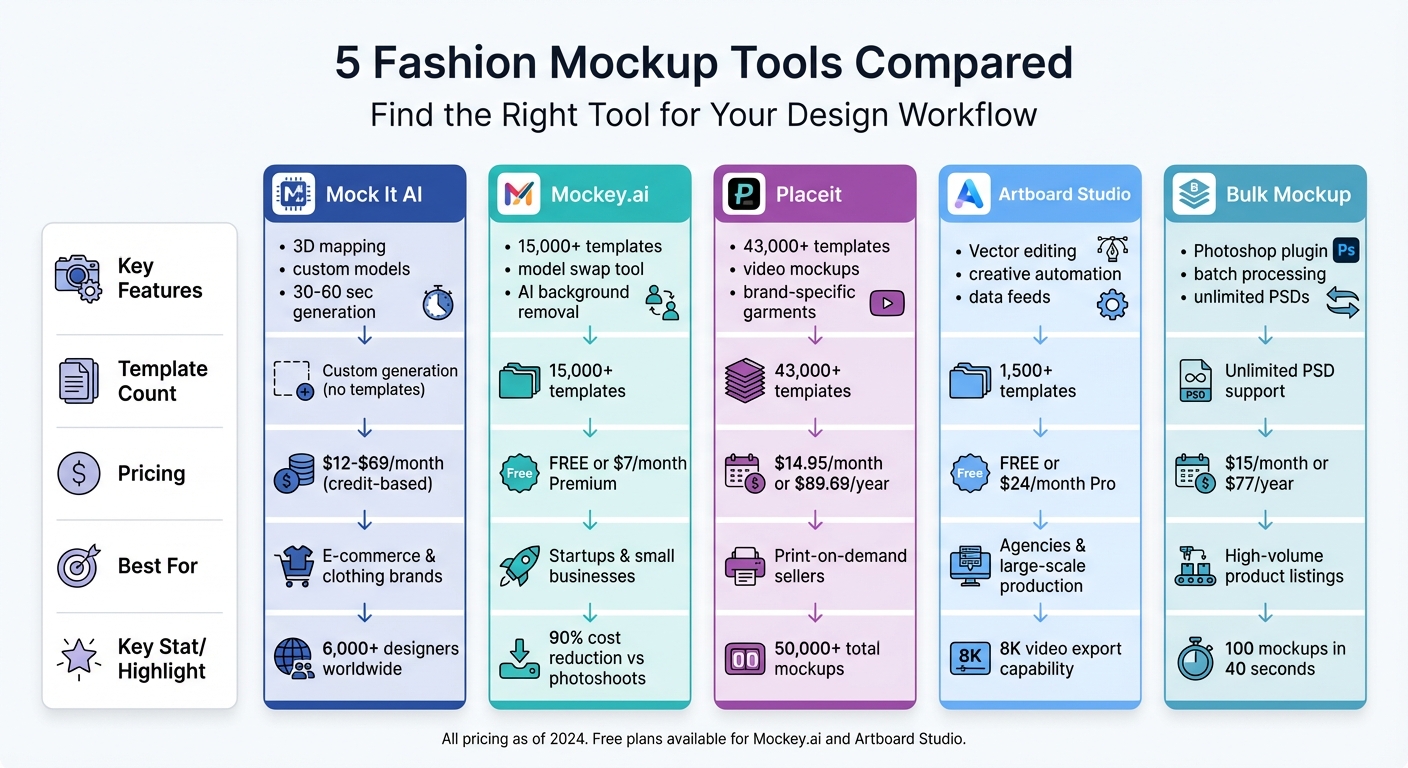
Fashion Mockup Tools Comparison: Features, Pricing & Best Use Cases
sbb-itb-2c1a147
1. Mock It AI
Mock It AI lets you take charge of your photoshoots by tailoring key model features like gender, age, and ethnicity. You can also pick from various clothing styles, accessories, and upload designs created through AI fashion design or your own artwork. Its 3D mapping technology wraps your designs around fabric contours, creating a realistic look. Once your design is ready, you can dive into advanced options for camera angles and background settings.
AI Customization Capabilities
The platform offers professional-grade tools for camera controls, allowing you to adjust lens settings, framing, and perspective. You can also create custom backgrounds, tweak lighting, and set specific locations to align with your brand’s style. The built-in Prompt Builder simplifies the process, generating mockups in just 30 to 60 seconds. Additional features include an AI Moodboard Generator to spark visual ideas and an AI Outfit Generator for cohesive styling.
“The 3D mapping and clipping mask features eliminate manual layer editing.” – Sienna Brooks, E-Commerce Owner
Pricing and Affordability
Mock It AI combines powerful features with a credit-based subscription model, making it accessible for brands that need frequent mockup creation. Here’s the breakdown:
- Starter Plan: $12/month for 100 credits (about $0.12 per image)
- Growth Plan: $29/month for 250 credits (about $0.10 per image)
- Pro Plan: $69/month for 650 credits (about $0.09 per image)
While there’s no free trial, the subscription is flexible, allowing cancellations anytime through your account settings.
Best Use Case
Mock It AI is perfect for brands that require large-scale mockup generation while maintaining full creative control. More than 6,000 fashion designers and clothing brands worldwide rely on the platform. It’s especially useful for e-commerce businesses looking to replace traditional photoshoots, which can cost anywhere from $1,000 to $10,000. The mockups are delivered in high-resolution PNG files, available in Square (1024x1024px), Portrait (1024x1536px), and Landscape (1536x1024px) formats.
2. Mockey.ai
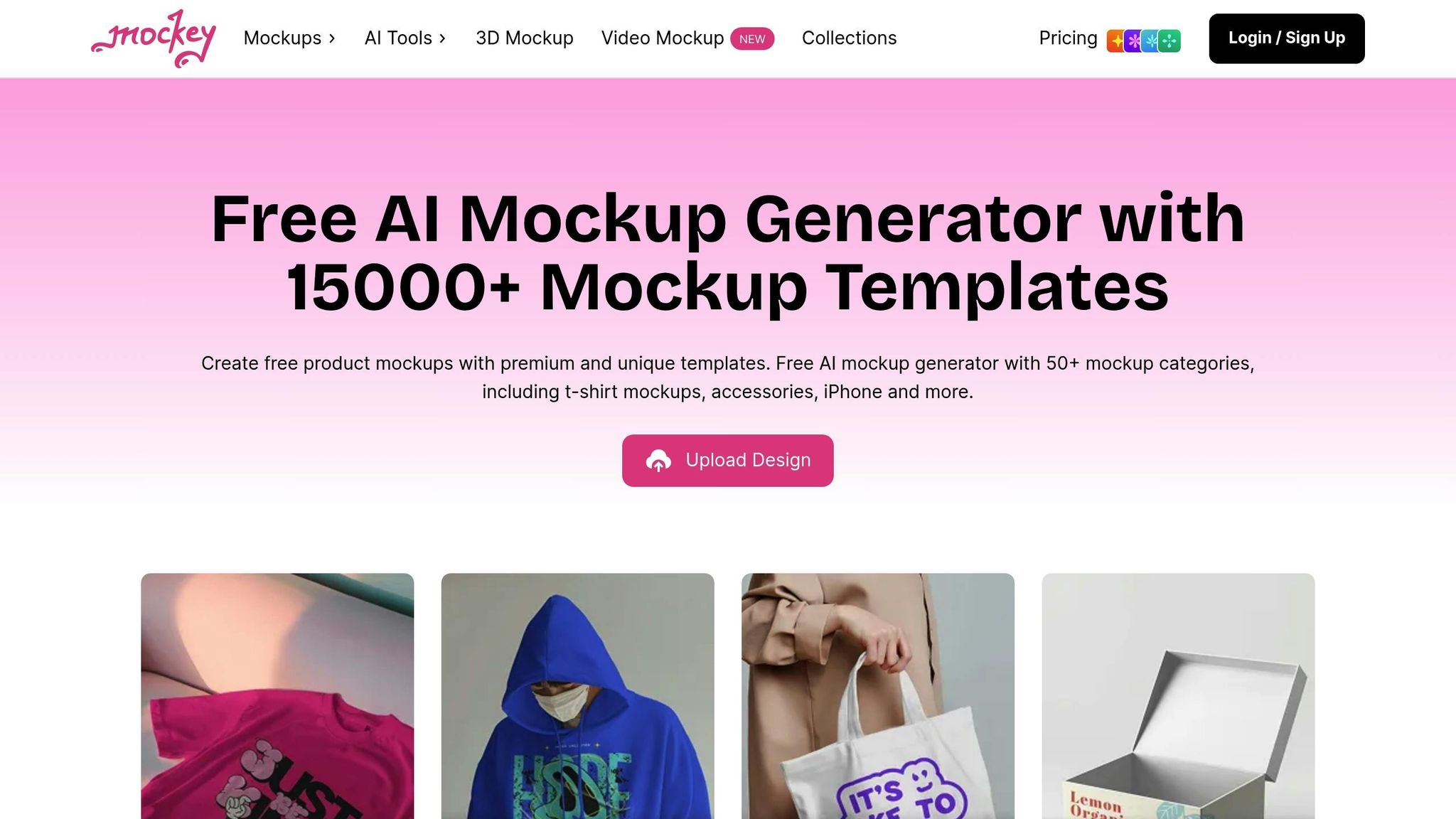
Mockey.ai provides a massive library with over 15,000 templates across 50+ categories, including more than 5,000 specifically for t-shirts, hoodies, jackets, and sweatshirts. With over 1.2 million images generated, the platform claims it can cut fashion photoshoot expenses by as much as 90%. These features make it a go-to solution for creating mockups quickly and cost-effectively.
AI Customization Capabilities
Mockey.ai’s standout feature is its model swap tool, which replaces existing models with diverse, AI-generated figures. It also transforms flat garment images into polished, professional-quality photos. Other tools include one-click background removal, scene replacement, blur effects, and prompt-based adjustments for shadows and highlights.
“We went from spending $2,000 per photoshoot to creating professional model photos in minutes. The AI models look so realistic, our conversion rates actually increased by 35%.”
– Marcus Rodriguez, Creative Director
In addition to static images, Mockey.ai enables users to animate mockups, create 5-second HD video clips, and preview designs from multiple perspectives with over 10 animation options.
Mockup Variety and Templates
The platform’s template library caters to a wide range of design needs. For clothing, it includes 1,557+ t-shirt mockups, 700+ hoodie mockups, 350+ sweatshirt mockups, and 230+ jacket mockups. Templates feature various model types and presentation styles, such as flatlays, studio shots, and mannequin displays. Mockey.ai also updates its library weekly, ensuring fresh options are always available.
Pricing and Affordability
Mockey.ai offers a free plan that grants access to the full library of templates with unlimited, watermark-free downloads, though limited to three downloads per day in JPG format. The Premium/MAX plan starts at $7 per month and unlocks exclusive templates, higher resolution downloads (up to 2,000 x 1,125 px), and advanced AI tools. For larger organizations, the Enterprise plan includes custom templates on demand.
Best Use Case
Mockey.ai is perfect for brands that need diverse model representation and easy-to-create mockups without requiring advanced design skills. For the best results, users can upload high-resolution PNGs with transparent backgrounds. The platform’s 3D generator lets users preview designs from multiple angles – including front, back, side, and folded views – before production. This makes it especially useful for print-on-demand businesses or seasonal campaigns with tight deadlines. Its flexibility and ease of use make Mockey.ai an essential tool for fast, high-quality digital fashion prototyping.
3. Placeit
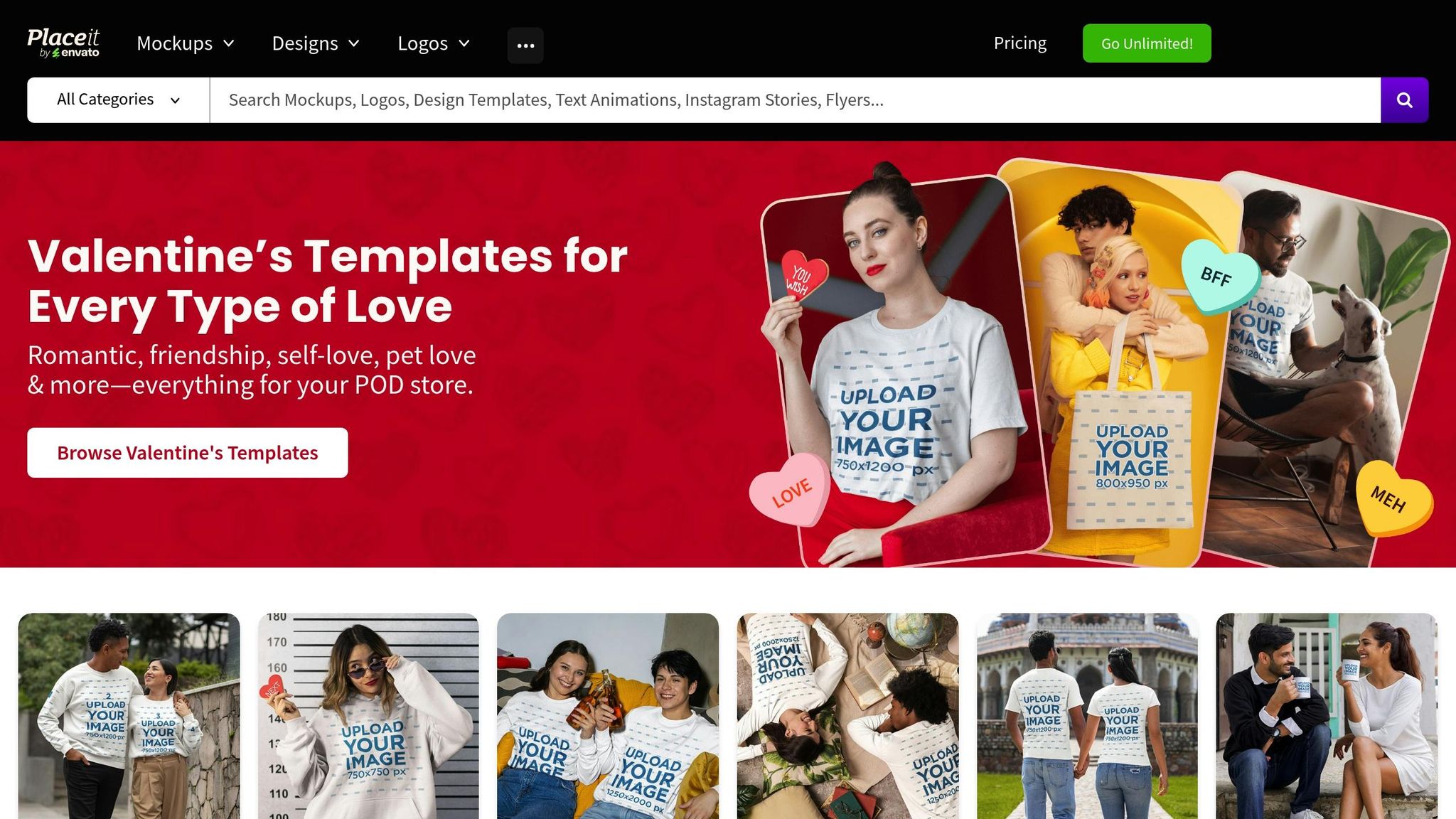
Placeit is a web-based platform offering over 43,000 graphics tailored for apparel mockups. It’s designed for print-on-demand sellers and small businesses looking for professional-looking mockups without the need to hire photographers or models. The platform includes templates for a wide range of apparel, such as t-shirts, hoodies, sweatshirts, tank tops, crop tops, sportswear, hats, bandanas, and swimwear. Its extensive library is paired with tools that make creating accurate and polished mockups simple.
Mockup Variety and Templates
One of Placeit’s key strengths is its focus on accuracy for print-on-demand sellers. Templates are built to match specific garment brands like Gildan 5000, Comfort Colors, and Bella+Canvas. Users can refine their search by gender, age, and ethnicity, making it easier to create mockups that resonate with specific audiences. The platform also offers video mockups, perfect for showcasing apparel in motion on social media. Plus, the “Insert Image” tool allows users to upload designs and preview them in real-time for precise placement.
“Placeit has been a godsend for our website. It allowed us to create a professional-looking clothing site that costs nothing – a tiny fraction of the cost of buying clothing and model photo shoots.” – LoveSoul, Verified User
AI Customization Capabilities
Placeit goes beyond templates with its AI-powered tools that simplify the design process even further. Features include an AI background remover and AI-generated model mockups set in diverse environments. The platform also supports transparent backgrounds, enabling users to seamlessly integrate their mockups into custom designs or unique layouts.
Pricing and Affordability
Placeit offers an Unlimited Subscription for $89.69 per year (about $7.47 per month), granting unlimited downloads with commercial licenses. For those who prefer a shorter commitment, a monthly plan is available for $14.95. Free accounts can access a rotating selection of templates and basic tools like the image cropper and background remover. This pricing structure makes it an appealing option for budget-conscious creators who need fast, professional results.
Best Use Case
Placeit is ideal for print-on-demand sellers and e-commerce brands needing high-volume mockup creation with accurate garment representations. Its integration with platforms like Canva and Printify, combined with its library of over 50,000 mockups, makes it a valuable tool for testing products and running seasonal campaigns efficiently.
4. Artboard Studio
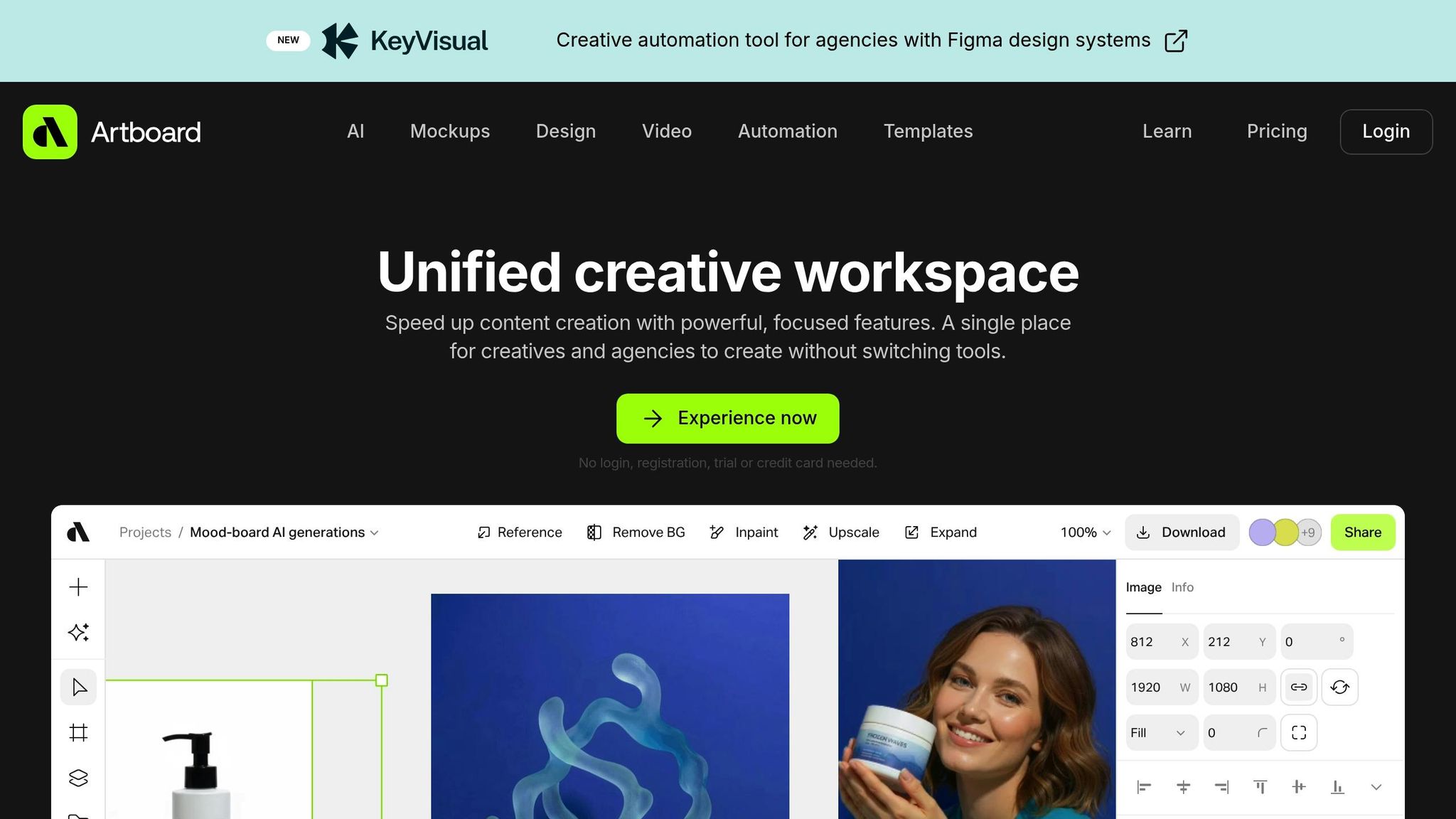
Artboard Studio is an online design tool that combines vector editing, video creation, and mockup generation into one platform. Tailored for fashion designers, it eliminates the hassle of juggling multiple tools. The platform offers a variety of apparel templates, including crew neck and oversized t-shirts, Gildan 5000 models, hoodies, long-sleeve shirts, and tote bags. These templates come with multiple views – front, back, side, and angled – and feature male and female models, as well as flat-lay and wrinkled fabric options. This versatility makes Artboard Studio a strong choice for digital fashion prototyping.
AI Customization Capabilities
Artboard Studio incorporates AI tools that let you fine-tune lighting, swap backgrounds, and enhance image resolution. Its inpainting feature allows you to add or remove elements by painting directly on the design, giving you the freedom to adjust mockups without starting from scratch. You can also create images from text prompts directly on the canvas or turn static designs into video content. The platform’s warping and smart object tools ensure your designs adapt naturally to fabric folds and textures, helping you achieve realistic and polished mockups in no time.
Creative Automation and Templates
One of Artboard Studio’s standout features is its Creative Automation functionality. With this, you can design a master template and link it to data feeds, enabling you to generate multiple variations across an entire clothing line automatically. The platform also integrates seamlessly with Figma and Adobe Express through plugins, allowing you to access mockup tools and templates directly within these design programs. This streamlines your workflow and boosts efficiency.
Pricing and Affordability
- Free Plan ($0): Includes 3 projects, 30-day storage, and low-resolution exports suitable for personal use.
- Lite Plan ($16/month, billed annually): Offers 100 AI credits, unlimited projects, high-resolution exports, and a commercial license.
- Professional Plan ($24/month, billed annually): Provides unlimited AI credits, creative automation with data feeds, and video exports up to 8K resolution.
Best Use Case
Artboard Studio is ideal for both individual mockups and large-scale production. Agencies and clothing brands benefit most from the Professional Plan, which simplifies the process of creating hundreds of design variations using data feeds. This makes it a powerful tool for visualizing entire product lines efficiently.
5. Bulk Mockup
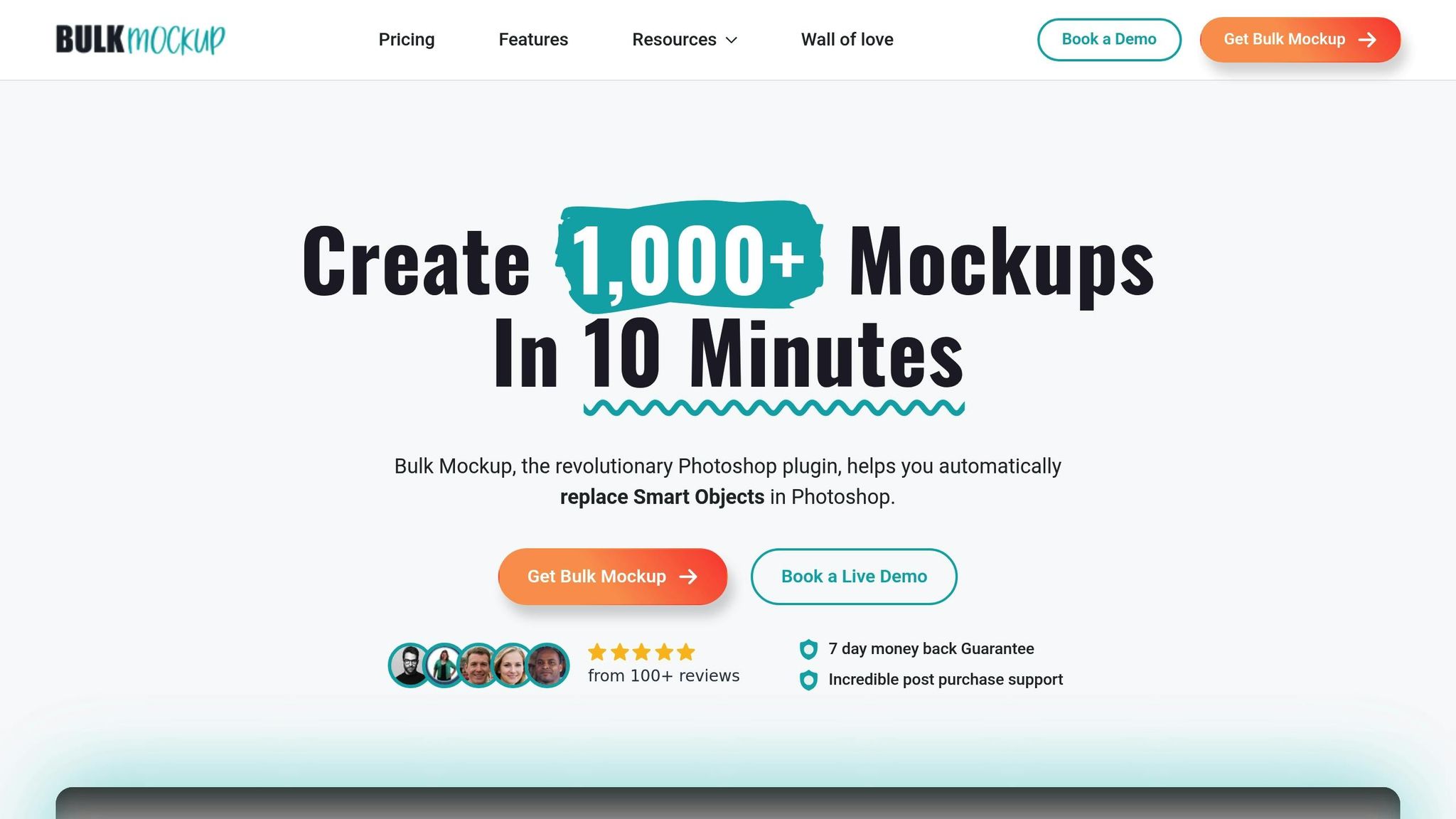
Bulk Mockup expands the possibilities of digital prototyping with its plugin-based approach. Designed as an Adobe Photoshop plugin, it streamlines the process of replacing smart objects, resizing and centering designs, and handling complex PSD files. The result? High-quality, personalized fashion mockups in just seconds.
Mockup Variety and Templates
This platform supports an unlimited number of PSD templates, making it perfect for creating mockups of apparel like t-shirts, hoodies, and more. By combining folders of designs with folders of templates, users can generate hundreds of mockups at once through batch processing. For example, Bulk Mockup can produce 100 mockups in about 40 seconds. It even supports batch exporting for dynamic content, such as video mockups and animated GIFs.
Pricing and Affordability
Bulk Mockup keeps its pricing simple and transparent. The monthly subscription is $15, while the annual plan costs $77 – offering about 66% savings compared to the monthly option. A single license covers installation on two devices, and subscribers can create unlimited mockups. Plus, there’s a 7-day money-back guarantee, giving users the chance to try it out without risk.
Best Use Case
This tool is a lifesaver for sellers managing large volumes of product listings on platforms like Etsy or Shopify. With over 2,000 print-on-demand sellers relying on it, Bulk Mockup is praised for its speed and efficiency. Founder Vikash Kr Prajapati explains:
“Bulk Mockup was developed to automate this process, helping sellers save valuable time and resources while professionally presenting their products”.
Rated 4.9/5 on Trustpilot, users frequently highlight how much time it saves. However, keep in mind that it requires an active Adobe Photoshop installation and might take some time to master for first-time users.
Tool Comparison Table
Here’s a quick overview of the key features for each tool, designed to help you pick the best option for creating digital fashion mockups. This breakdown highlights the strengths of each tool so you can find one that matches your workflow.
| Tool | AI Customization Features | Template Variety | Pricing | Best For |
|---|---|---|---|---|
| Mock It AI | 3D mapping and clipping masks that wrap artwork and fabric details around a model’s body with realistic depth, creating a full model image in under 30 seconds | Custom model creation with personalized clothing and backgrounds | Starter: $12/month; Growth: $29/month; Pro: $69/month | Clothing brands needing fast, fully customized AI photoshoots |
| Mockey.ai | AI-powered background removal and smart object placement | Over 5,000 apparel mockup templates | Free plan available; Premium: $9/month | Small businesses and startups looking for affordable mockup options |
| Placeit | Drag-and-drop design placement with automatic perspective adjustments | Over 43,000 apparel mockup templates | $14.95/month or $89.69/year | Content creators and marketers needing a large variety of mockups |
| Artboard Studio | Smart object editing with customizable scenes | 1,500+ templates focused on apparel and product photography | Free plan available; Pro: $9/month | Designers who want more control over mockup customization |
| Bulk Mockup | Photoshop plugin for batch processing of smart objects | Unlimited PSD template support | $15/month or $77/year | Print-on-demand sellers handling high-volume product listings |
Each tool has its strengths, depending on your needs. Mock It AI is ideal for brands prioritizing speed and advanced 3D mapping. Bulk Mockup shines for sellers managing large product catalogues. For budget-conscious users, Mockey.ai and Artboard Studio offer free plans, while Placeit impresses with its extensive library of templates suited for diverse creative projects.
Conclusion
Personalized AI-powered mockups are changing the game for fashion design, offering a faster, more cost-effective way to create stunning visuals while giving designers greater creative control. Instead of waiting days or weeks for traditional photoshoots, brands can now produce photorealistic mockups in under 30 seconds. Advanced features like 3D mapping and clipping masks drastically cut down on manual editing time. These advancements aren’t just improving efficiency – they’re reshaping how modern clothing brands approach design and production.
The financial benefits speak for themselves. As Robert H., a verified subscriber, put it:
“I was about to do a small photoshoot last fall. It was going to cost a few hundred dollars… I’m a very happy customer with a few hundred extra dollars in my pocket and some awesome looking product photos”.
These tools also make rapid prototyping a breeze, enabling brands to experiment with designs across various models and settings while avoiding expensive mistakes.
Take a moment to review the comparison table above to find the tool that aligns best with your needs – whether you prioritize speed, template options, or customization features. Starting with a small pilot program can help you assess image quality and how seamlessly the platform integrates into your workflow. Remember, the ideal tool should enhance your process and maintain your brand’s visual identity – not just offer the cheapest solution. Check out Mock It AI to see how AI-powered photoshoots can revolutionize your design strategy.
FAQs
How can AI tools make creating fashion mockups faster and easier?
AI tools make creating fashion mockups faster and easier by automating tasks that used to take significant time and effort. Instead of investing in costly photoshoots or crafting physical samples, these platforms allow you to generate realistic, high-quality visuals of your designs in just minutes. You can tweak models, clothing, and backgrounds – all without needing professional photographers or multiple prototypes.
These tools are also great for testing and refining ideas quickly. For instance, you can upload your designs, make adjustments, and instantly see how they appear in various settings. This approach not only cuts down on time and expenses but also delivers polished, consistent visuals ideal for marketing and online stores. AI-powered mockups are transforming how clothing brands streamline their processes and showcase their designs effectively.
How can AI-powered mockup tools save money compared to traditional photoshoots?
AI-powered mockup tools, like Mock It AI, are shaking up the way brands create visuals by offering a far more affordable alternative to traditional photoshoots. Think about it – photoshoots can cost thousands of dollars when you factor in hiring models, photographers, renting studio space, and all the post-production work. On the flip side, AI mockup tools start at just $12 a month, giving businesses access to high-quality, photorealistic visuals without breaking the bank.
But it’s not just about saving money – it’s also about saving time. Instead of spending weeks coordinating and executing a photoshoot, these tools can produce stunning mockups in mere minutes. This speed allows brands to quickly tweak designs, launch products faster, and cut down on overall production time and costs. Whether you’re a small startup or a large company, AI mockup tools are a practical solution for creating professional visuals efficiently.
What features should I look for in a fashion mockup tool for my clothing brand?
When selecting a fashion mockup tool, it’s crucial to focus on flexibility, realistic visuals, and ease of use. Choose a tool that lets you tailor models with specific features, adjust clothing designs to your liking, and craft unique scenes that align with your brand’s personality. High-quality visuals – like lifelike textures, accurate lighting, and detailed fabric effects – are key to presenting your products in a polished and professional way.
A straightforward, user-friendly interface can make your design process smoother and save you valuable time. It’s also wise to explore cost-effective tools that fit within your budget but can grow with your business. By prioritizing these elements, you’ll be able to create mockups that showcase your clothing line effectively and elevate your marketing efforts.
