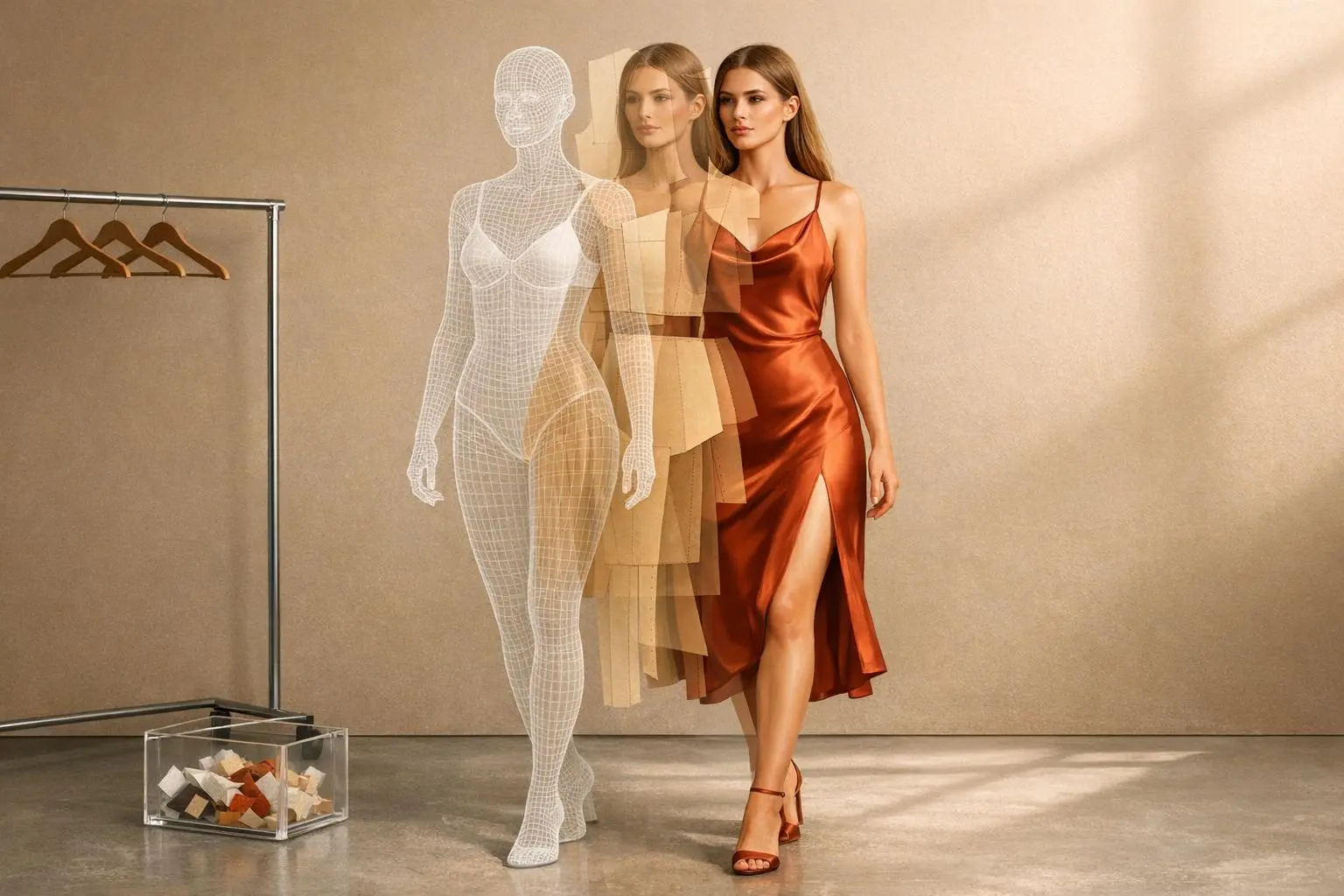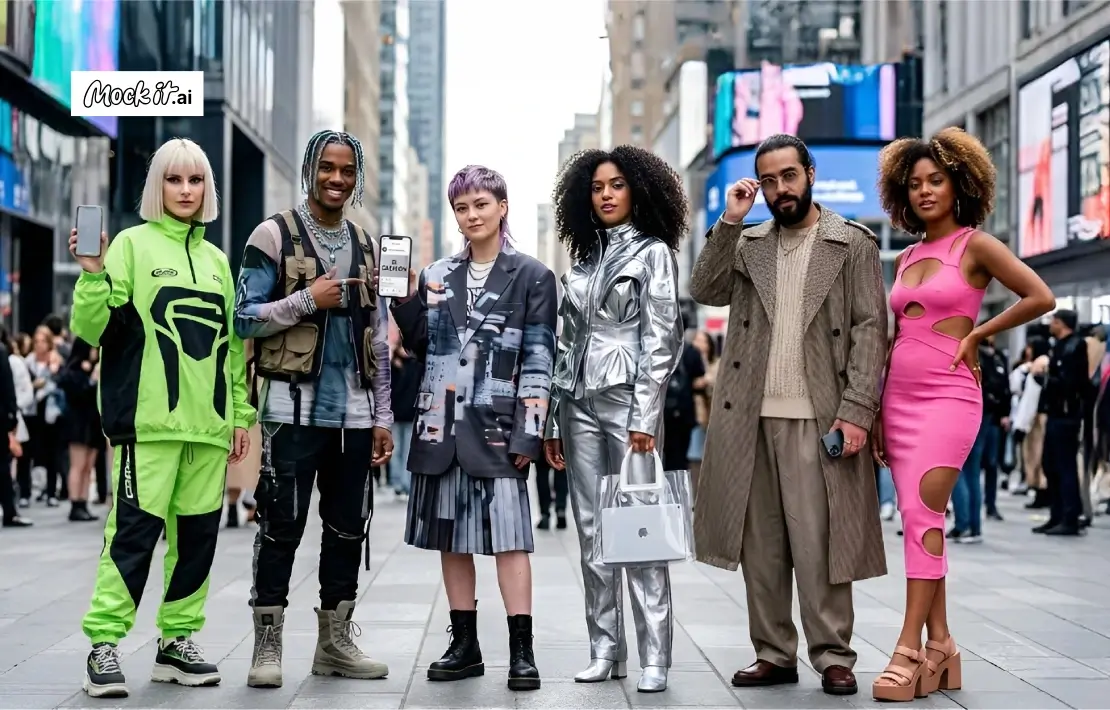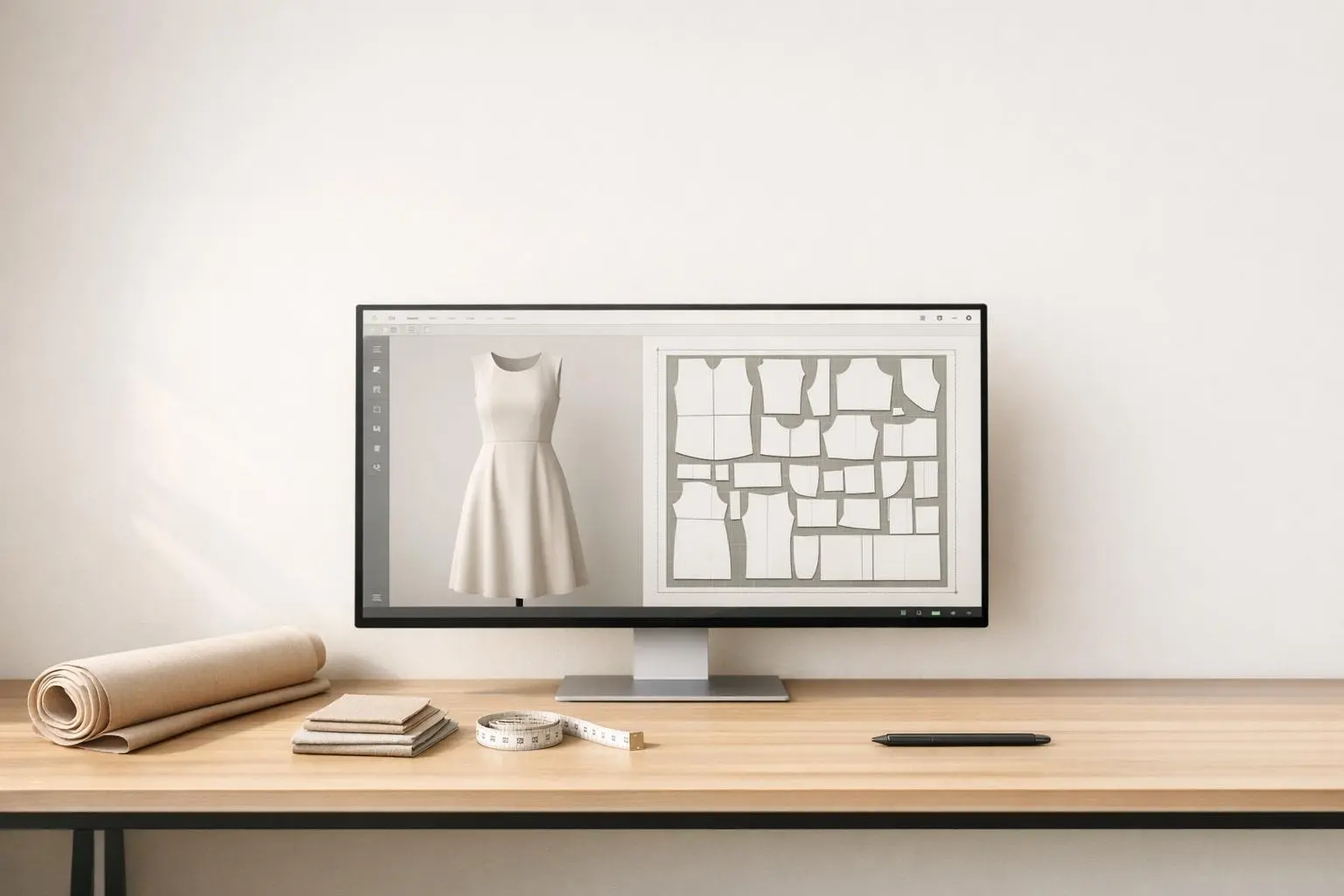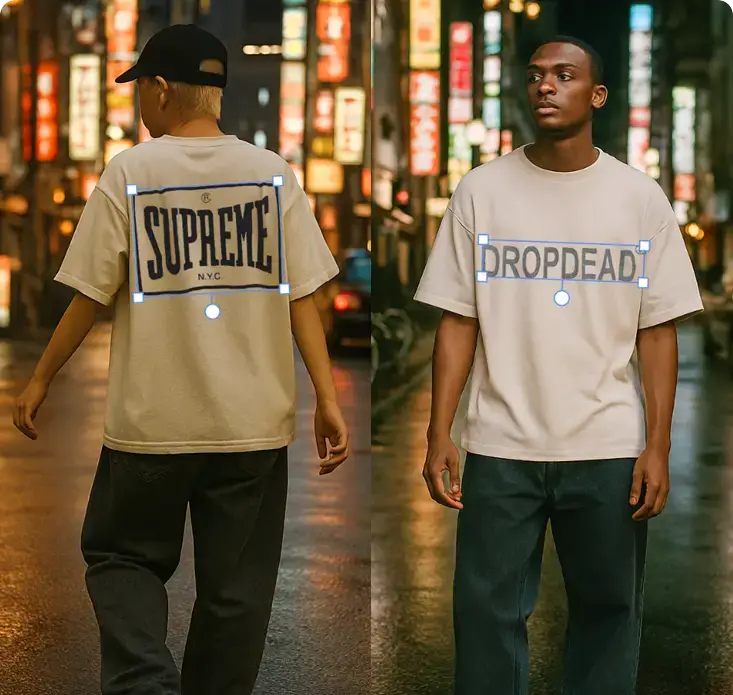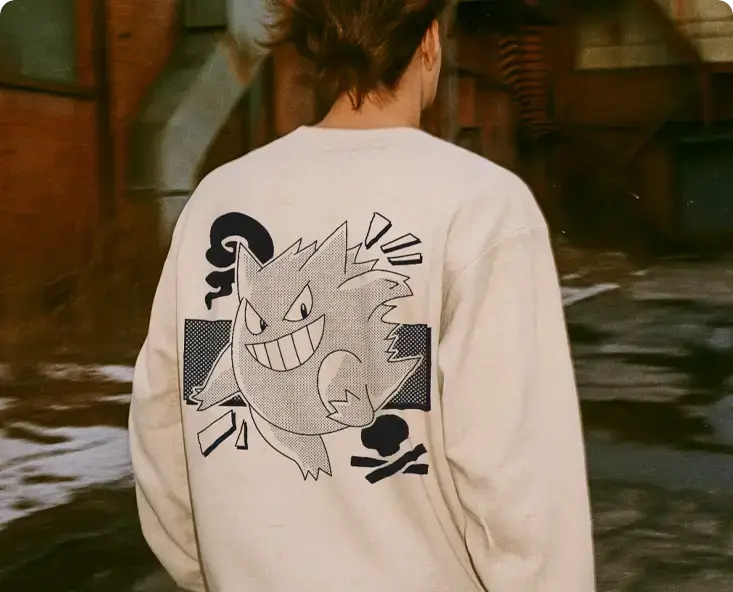
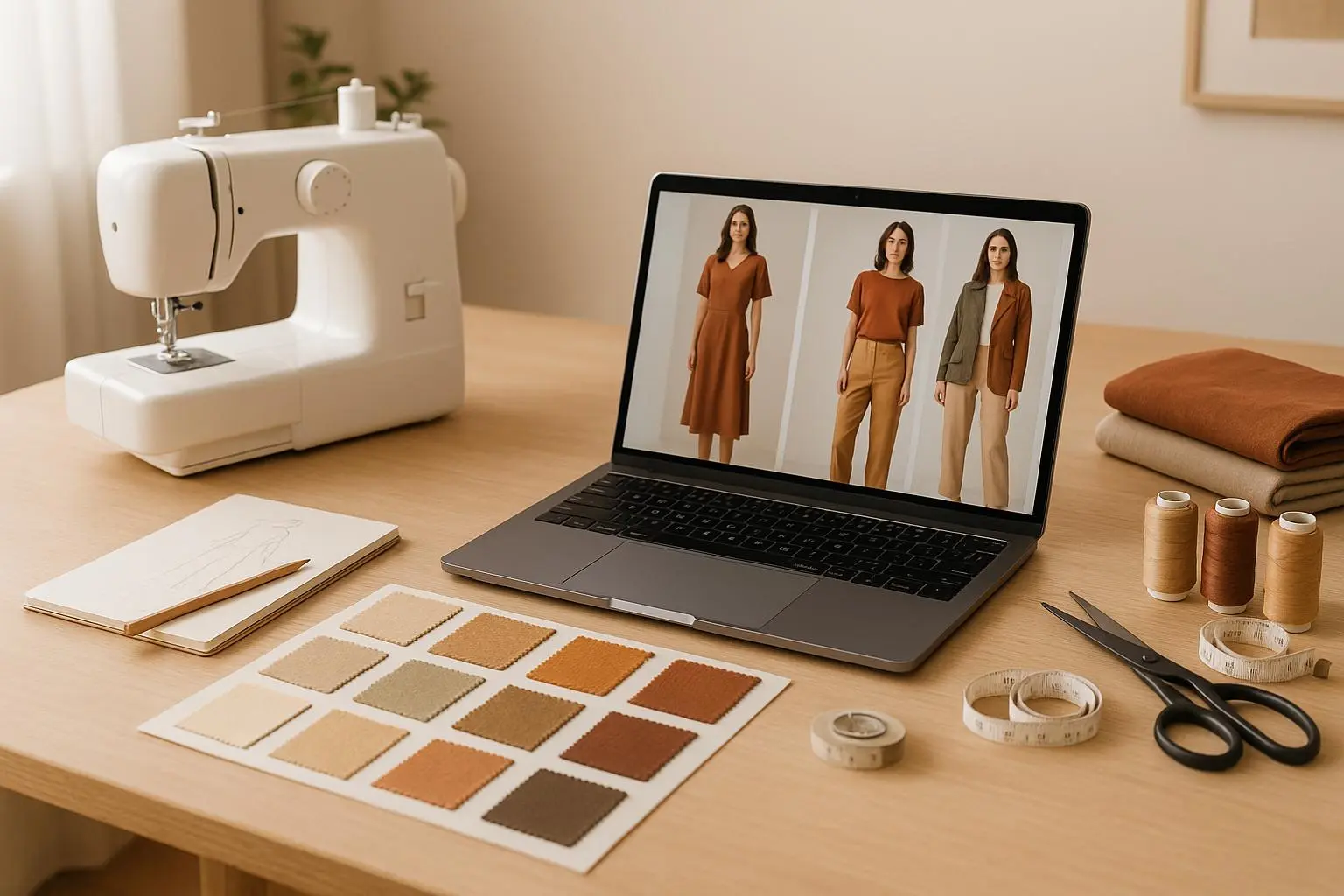
AI photoshoots are reshaping how small clothing brands create marketing visuals. Instead of hiring photographers, models, or renting studios, brands can now generate professional images in minutes using AI. This approach reduces costs, saves time, and allows brands to showcase designs on diverse models in various settings. Here’s how it works:
- Upload Product Images: Start with clear photos of your clothing items.
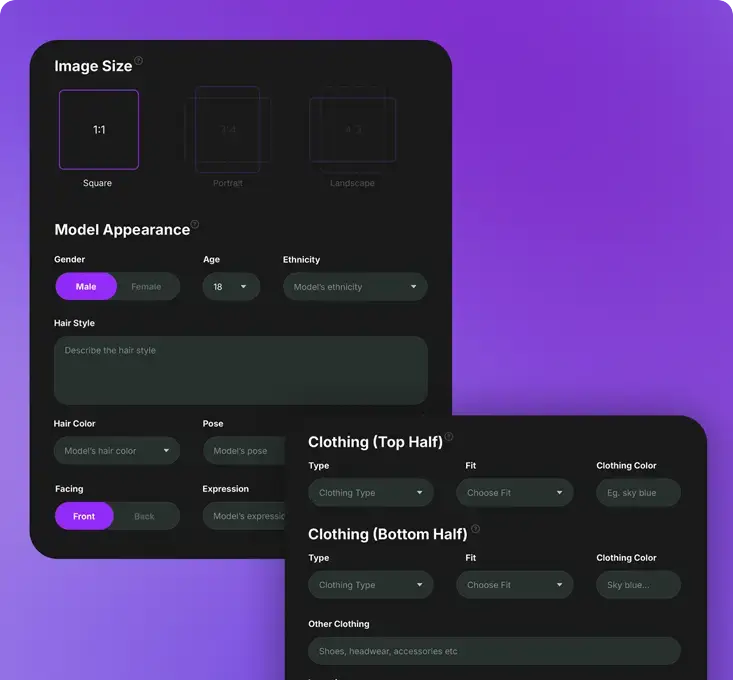
- Design Custom Models: Choose traits like age, ethnicity, and body type to match your audience.
- Select Backgrounds: Pick or customize scenes to fit your brand’s style.
- Download Final Images: Review, tweak, and download ready-to-use visuals.
Plans like Mock It AI offer affordable pricing starting at $12/month, making this technology accessible for startups and small brands. It’s a fast, cost-effective way to compete with larger companies while maintaining high-quality visuals.
Create AI MODEL & try on clothes! | AI E-Commerce Photoshoot for Clothing Brands
How AI Photoshoots Work
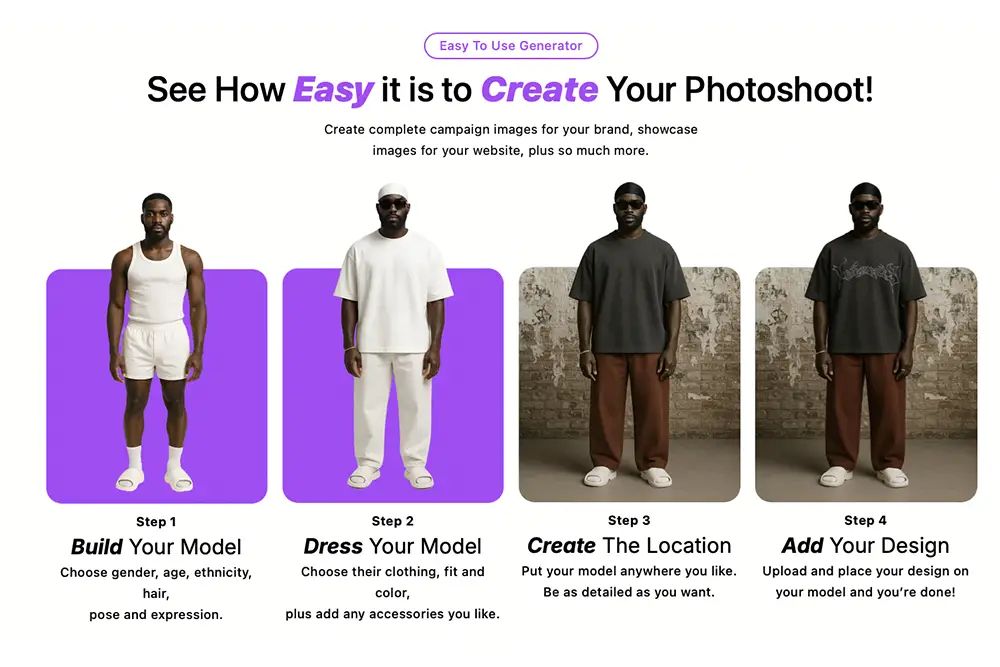
AI photoshoot technology makes it incredibly easy to turn your clothing designs into professional, polished marketing visuals. The process is quick – perfect for small brands – and involves just four simple steps. Here’s how it works:
Step 1: Upload Product Images
Start by uploading clear, high-quality images of your clothing items. These could be flat lays or other product shots. The better the lighting and the cleaner the background, the more accurate and detailed the results will be. These images act as the foundation for the AI-generated photoshoot.
Mock It AI supports multiple file formats and automatically processes your uploads to ensure they’re optimized for image generation. The system analyzes each item to understand its structure and design details, setting the stage for creating realistic mockups.
Step 2: Create Custom Models
Next, you can design custom AI models that align with your target audience. Choose specific traits like age, ethnicity, body type, and overall appearance to reflect your brand’s demographic. This step ensures that your marketing visuals feel relatable and inclusive, giving you full control over representation.
Step 3: Choose Scenes and Backgrounds
Now it’s time to pick the ideal setting for your photoshoot. Whether you prefer a clean studio look, vibrant outdoor landscapes, or seasonal themes, there’s a wide range of options to choose from. You can even create custom settings using text prompts. The AI will adjust lighting and perspective to make your product look naturally integrated into the scene.
Step 4: Download Final Images
After reviewing your images, you can make quick tweaks if necessary and download them in your preferred resolution and format. These images are ready to use for everything – from social media campaigns to website galleries.
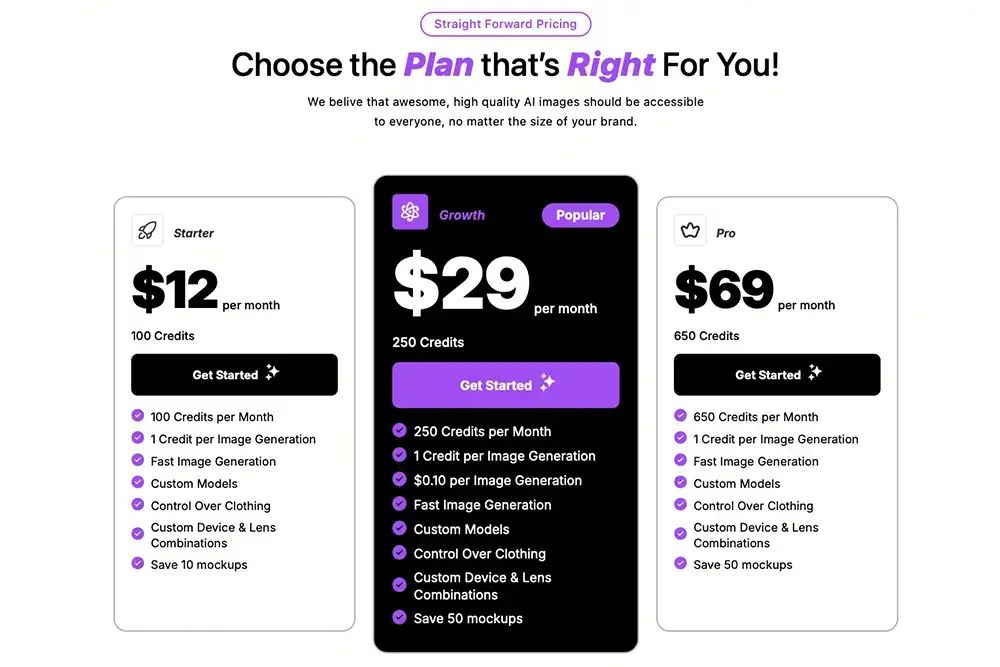
Mock It AI operates on a credit system:
- Starter Plan: 100 credits for $12/month
- Growth Plan: 250 credits for $29/month
- Pro Plan: 650 credits for $69/month
This flexible pricing allows you to scale your image production based on your brand’s specific needs and budget. By combining your creativity with AI technology, you can quickly create visuals that keep up with market trends and customer expectations.
Benefits of AI Photoshoots for Small Clothing Brands
Small clothing brands often grapple with the high costs and logistical challenges of producing professional marketing visuals. Traditional photoshoots require significant investments in photographers, models, studio rentals, and equipment – expenses that can strain a startup’s limited budget. AI-powered photoshoots are changing the game, offering practical solutions that help smaller brands compete more effectively.
Cost Savings
One of the most obvious perks of AI photoshoots is the substantial reduction in photography costs. Traditional shoots come with a laundry list of expenses: photographer fees, model payments, studio rentals, equipment, and post-production. AI photoshoots eliminate nearly all of these, making professional-quality visuals far more accessible.
Take The Pant Project, a fashion brand based in Mumbai, as an example. In October 2024, they used AI technology to create an inclusive plus-sized catalog. The result? A 40% reduction in their photography budget, with zero costs for photographers or models.
"Executing it in 4 days at a lower cost opened up new opportunities. We see AI Photoshoots as a viable option." – Armaan Pardesi, Communication Design Lead, The Pant Project
This cost efficiency also allows brands to update product photos easily – whether for timeless pieces or when model releases expire – without the need for an entirely new shoot. The savings can then be funneled into other critical areas like product development or marketing.
Time Efficiency
Speed is another major advantage. For small brands racing to keep up with fast fashion cycles or seasonal trends, AI photoshoots dramatically cut production time. Traditional shoots often take weeks, involving everything from booking models and studios to coordinating teams and managing post-production. AI, on the other hand, can generate professional-grade images in hours – or even minutes.
The Pant Project’s catalog, for instance, was created in just 4 days, a timeline that would be nearly impossible with traditional methods. This quick turnaround allows brands to launch products faster and respond more nimbly to market trends.
AI photoshoots also make it easier to experiment. Small businesses can quickly generate and test creative concepts, tweaking visuals based on audience feedback. If a particular background or style isn’t connecting with customers, adjustments can be made immediately – no need to wait weeks for a reshoot.
Multiple Visual Options
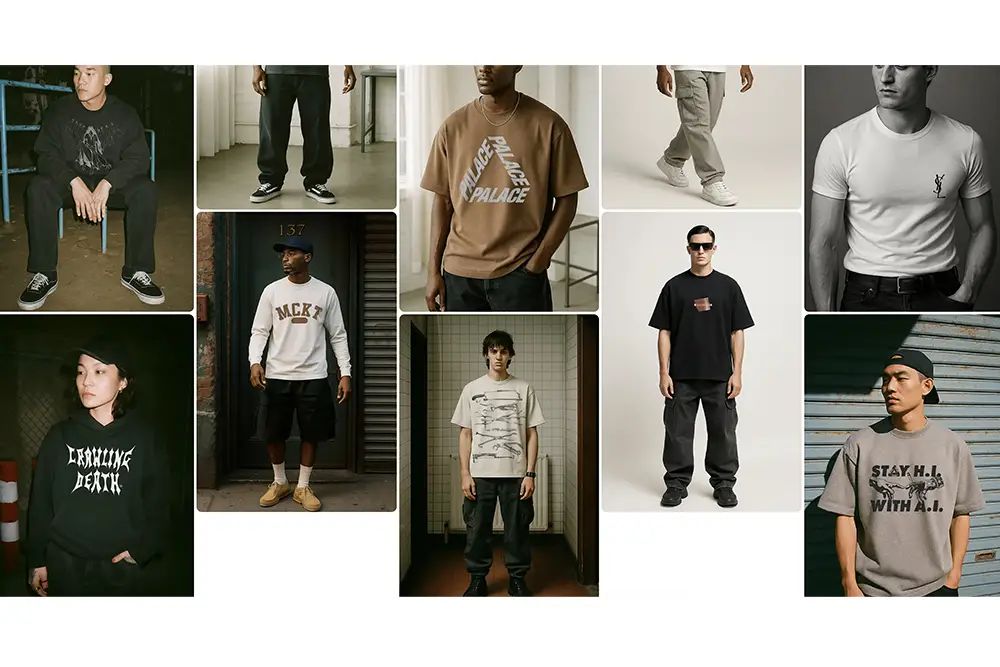
AI technology shines when it comes to creating diverse visuals. From a single product, brands can generate images featuring different models, settings, and styling – all without the added costs of traditional photography.
For example, a single dress can be showcased on models of various ages, ethnicities, and body types, helping brands connect with a broader audience. Seasonal variations are also easy to produce – imagine the same summer dress shown both at a beach and styled for a city look.
This versatility supports A/B testing for marketing campaigns. Instead of committing to one visual style, brands can present multiple options to their audience, analyze which performs best, and then scale the winning imagery across their channels.
Ultimately, these advantages make AI photoshoots a smart choice for small brands. Not only do they save money and time, but they also provide the creative flexibility needed to stand out. With fewer resources tied up in logistics, founders can focus on growing their business and delivering the best possible products to their customers.
sbb-itb-2c1a147
Key Features of Mock It AI
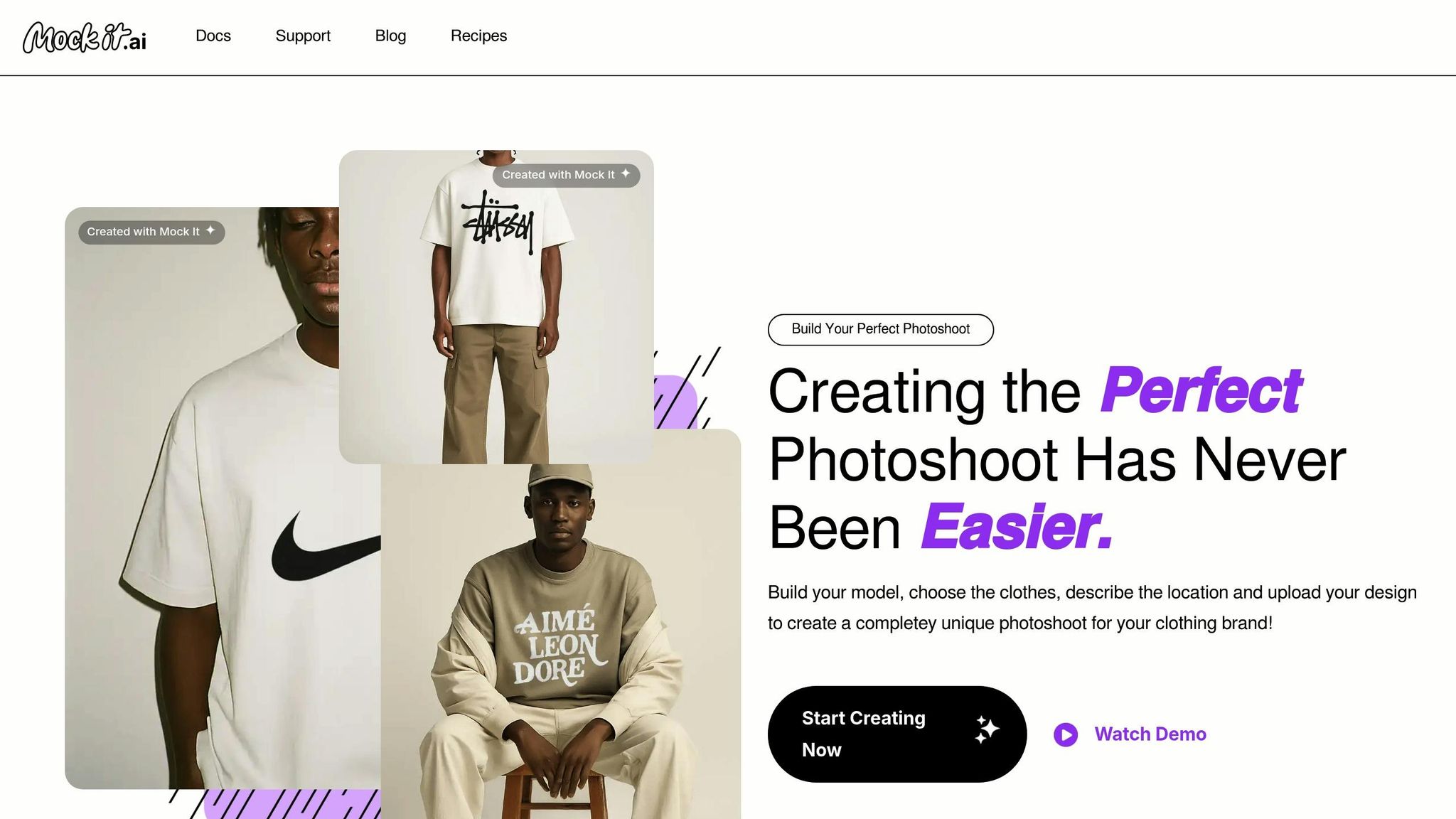
Mock It AI is built with small clothing brands in mind, offering tools to create professional visuals without the need for costly photoshoots. By tackling common hurdles – like generating diverse models and crafting high-quality marketing materials – it provides a streamlined solution that saves both time and money.
Custom Model Creation
With Mock It AI, brands can create realistic, diverse models tailored to their specific needs. Instead of relying on a limited selection from traditional photoshoots, users can design models of various ages, ethnicities, and body types. This feature is especially helpful for brands aiming to connect with specific audiences or promote inclusivity in their marketing efforts, ensuring their visuals resonate with a broader range of customers.
Clothing Mockup Tools
The platform’s clothing mockup tools allow users to apply designs to garments with incredible accuracy. These tools replicate fabric drape, shadows, and textures, giving the final images a polished, lifelike quality. Whether you’re testing out a new design or creating visuals for a print-on-demand service, these tools make it easy to achieve results comparable to traditional photography.
Background and Location Options
The Scene Creator lets brands customize every aspect of their visuals, from backgrounds to accessories, ensuring everything aligns with their aesthetic. Need something specific? You can upload your own backgrounds to create a unique look, whether it’s a sleek studio vibe or an outdoor lifestyle scene.
For Pro plan users, the options expand even further. The AI Image Generator enables the creation of custom elements using simple text descriptions, while the Background Remover makes it easy to isolate designs and place them on any colored mockup. These tools open up endless creative possibilities for brands looking to stand out.
Pricing Plans
Mock It AI offers three pricing tiers, making it accessible for brands with different needs and budgets:
| Plan | Monthly Cost | Credits | Best For |
|---|---|---|---|
| Starter | $12 | 100 | New brands, limited products |
| Growth | $29 | 250 | Active brands, seasonal launches |
| Pro | $69 | 650 | Established brands, agencies |
Unlike traditional photoshoots, where costs can quickly add up with each revision or additional shot, Mock It AI provides predictable pricing. Brands can plan their expenses based on their credit usage, keeping their budgets in check while still producing high-quality visuals.
Getting Started with AI Photoshoots
Mock It AI makes it easy for small clothing brands to create professional visuals, letting you dive in just minutes after signing up.
Sign Up and Pick a Plan
Getting started is simple. Head to the website, sign up with your email and password, and verify your email address. Once that’s done, choose a pricing plan that fits your needs:
- Starter Plan: $12/month for 100 credits – ideal for brands just starting out or testing the platform.
- Growth Plan: $29/month for 250 credits – perfect for seasonal collections or regular social media updates.
- Pro Plan: $69/month for 650 credits – designed for established brands with multiple campaigns or agencies.
You can upgrade your plan anytime as your business grows. Payments are billed monthly, and your credits reset with each billing cycle, giving you predictable costs – no hefty deposits like traditional photoshoots.
Once you’re set up, follow these tips to get the most out of your design uploads.
Tips for Uploading Designs
To achieve the best results, upload high-resolution images with at least 1,000 pixels on the shortest side. Designs with clean, transparent backgrounds and good contrast work best, as they help the AI clearly define edges.
For flexibility, use PNG files with transparent backgrounds. If that’s not possible, high-quality JPEGs with solid backgrounds are the next best option. Avoid uploading low-quality or heavily compressed images, as they can affect the final output.
It’s also important to consider the type of clothing your designs will appear on. For instance, a design meant for a fitted t-shirt will behave differently on a flowing dress. Think about how your design will wrap around various garment shapes and experiment with different orientations to ensure they look great on all styles.
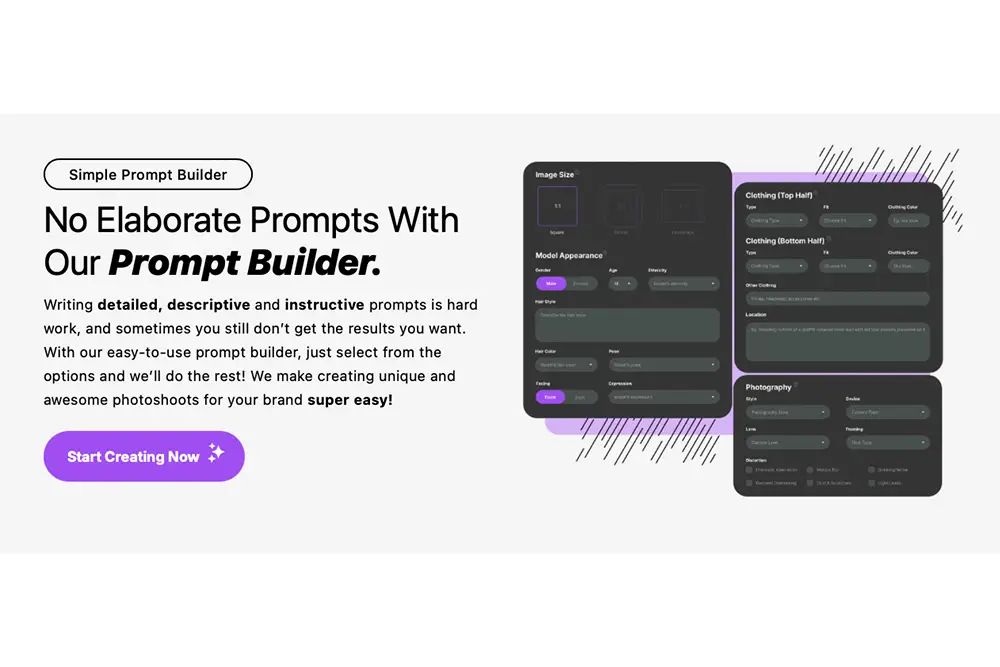
Making the Most of Your Credits
Once your designs are uploaded and your plan is selected, it’s time to use your credits wisely. Each credit creates one mockup, so planning ahead can help you save.
- Batch similar projects: Instead of spreading out your mockups, group similar designs or campaigns together to use credits more efficiently.
- Experiment early: Use your first few credits to test different models, backgrounds, and styles. This will help you understand what works best for your brand before committing to larger projects.
- Document what works: Keep track of successful combinations of models, backgrounds, and styles. This way, you can recreate them later without wasting credits.
- Plan your content: For example, with the Starter Plan, 100 credits can produce about 25 images per week. Use this as a guide to plan your monthly content needs.
- Leverage the Scene Creator: Create base images and then use editing tools to produce variations. This approach stretches your credits further while giving you diverse visuals for your marketing campaigns.
Conclusion
AI photoshoots are transforming how small brands approach creative production. Instead of spending thousands of dollars and waiting weeks for traditional photoshoots, this technology delivers professional-quality visuals in just minutes – all at a predictable monthly cost.
By automating tedious editing tasks, AI photoshoots free up your time to focus on growing your business and staying ahead of market trends. With Mock It AI’s credit-based pricing, you get clear, upfront costs with no surprises.
The platform also ensures your brand maintains a consistent look across all marketing channels by standardizing elements like lighting, backgrounds, and styling. This consistency helps build trust and credibility with your audience.
For small clothing brands looking to elevate their marketing, AI photoshoots offer an unbeatable mix of affordability, speed, and top-tier quality. The tools are already available and making it easier than ever for brands like yours to produce eye-catching visuals that drive sales and strengthen customer relationships.
FAQs
How does AI make sure the models and backgrounds match my brand’s style and look realistic?
AI technology takes precision to a new level by creating models and backgrounds that not only look lifelike but also match your brand’s unique style. It carefully incorporates every detail of your product – whether it’s prints, logos, materials, textures, colors, or proportions. Plus, you have the flexibility to personalize the visuals by choosing from a variety of curated outfits and backgrounds. This ensures the AI-generated content aligns seamlessly with your brand’s identity.
What challenges might I face using AI photoshoots instead of traditional ones?
AI photoshoots bring plenty of benefits to the table, but they aren’t without their hurdles. One notable drawback is that AI-generated images can sometimes miss the emotional depth or realness that traditional photography captures so well. For brands looking to showcase genuine human experiences, this can be a sticking point. Plus, there’s the risk of these images looking too perfect or overly artificial, which might not fit every brand’s style.
Another challenge lies in the way AI tools operate – they rely heavily on training data. This dependency can sometimes introduce biases or result in unexpected quirks in the final images. While these technologies are advancing quickly, they still struggle to fully match the creative subtleties of an in-person photoshoot. For smaller brands, it’s crucial to balance these potential limitations with the undeniable convenience and cost savings that AI can offer.
How can I make the most of my Mock It AI credits to create a variety of high-quality marketing visuals without exceeding my budget?
To make the most of your Mock It AI credits without overspending, focus on smart planning and efficient use of resources. Begin by structuring your prompts to reuse static elements, such as consistent backgrounds or recurring themes, across multiple visuals. This way, you avoid the need to generate brand-new content for each project.
Another tip is to plan ahead and batch similar tasks. By working on multiple visuals in one session, you’ll stretch your credits further. With a bit of strategy in your prompts and workflows, you can strike the perfect balance between creativity and cost management.