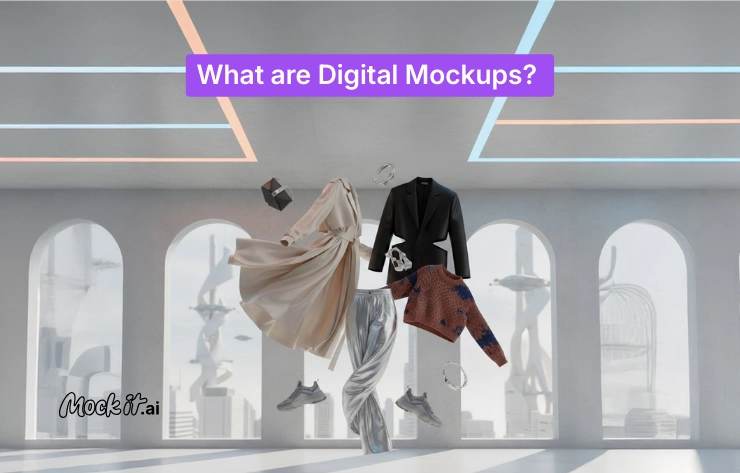
Digital mockups are visual representations of products, interfaces, or systems that allow teams to visualize, test, and validate designs before development or production begins. They exist in multiple forms based on fidelity, application, and technical format, which determines how closely a mockup resembles the final product, where it is applied, and how users interact with it.
Their importance lies in their ability to reduce development risk, shorten design cycles, and create a shared visual reference that enables teams to validate decisions before committing to production. By replacing abstract discussions with realistic previews, digital mockups help designers, engineers, and stakeholders identify issues early, refine designs efficiently, and avoid costly revisions later. This makes them a critical part of modern design workflows across industries, supporting better collaboration, clearer decision-making, and higher overall design quality throughout the product lifecycle.
What are Different Types of Digital Mockups?
Digital mockups are classified into different types based on fidelity, application, and technical format, with each classification reflecting how closely a mockup resembles the final product, the industry or system it supports, and how users interact with the design. This structure helps designers, engineers, and product teams select the right mockup type for each stage of the design process and virtual prototyping workflow.
By Fidelity
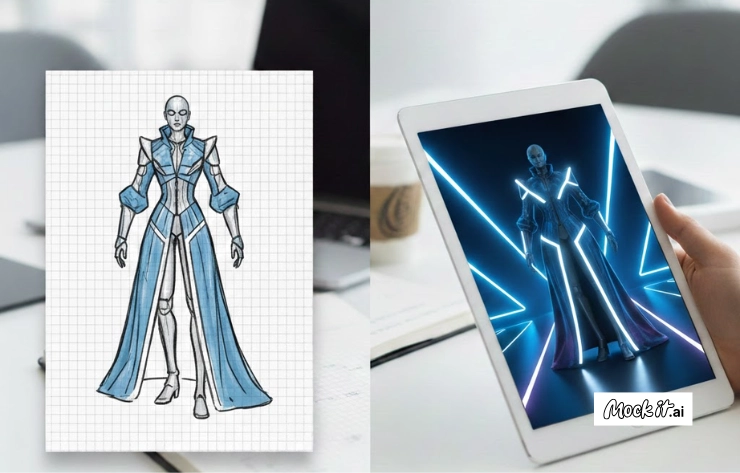
In the design process, fidelity refers to how closely a digital mockup reflects the final product in terms of detail, accuracy, and functional realism. It helps design teams decide the level of precision and interaction a mockup should include at each stage of a project. Early stages benefit from simpler mockups that clarify structure and logic, while later stages require mockups that resemble the product’s final appearance and behavior. Choosing the right fidelity helps manage expectations, guide feedback, and keep design efforts aligned with project goals.
- Low-fidelity mockups (wireframes, sketches)
A low-fidelity mockup is a basic visual model that emphasizes layout, structure, and core functionality rather than detailed visuals. These mockups are quick to create, which makes them suitable for exploring ideas, testing multiple layouts, and identifying usability issues early. Their simplicity encourages experimentation and allows teams to make changes without committing significant time or resources.
- High-fidelity mockups (detailed, polished designs)
High-fidelity mockups provide a detailed and realistic representation of the final product. They include refined visual elements such as color schemes, typography, imagery, and interface interactions. These mockups help stakeholders understand how the finished product will look and function, while also giving developers clear design guidance. They are commonly used for design reviews, approvals, usability testing, and presentations because they offer a compelling preview of the user experience.
By Application/Industry
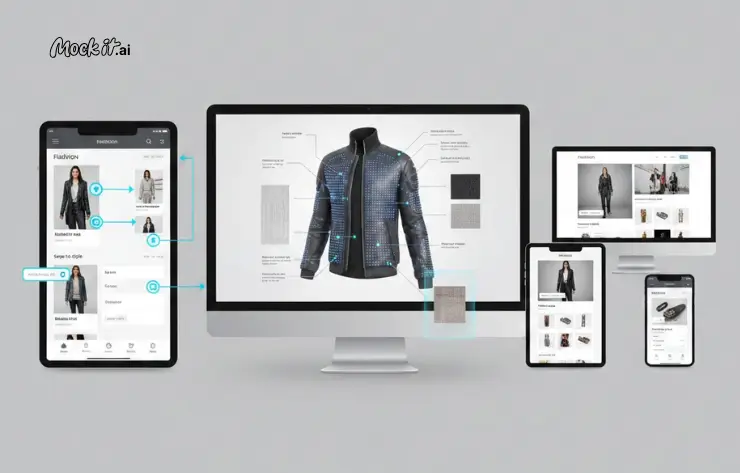
Digital mockups are used across industries, from tech to marketing, as they provide a flexible way to visualize, test, and validate product designs across systems and setups. Additionally, the purpose of a mockup varies depending on where it is applied, whether to validate user interaction, review product appearance, or confirm layout across screens.
- App UI/UX Mockups
App UI and UX mockups model how users navigate an application and interact with its interface elements. These mockups help design teams validate navigation logic, screen-to-screen transitions, and interaction patterns such as form inputs, menus, and system feedback. By simulating real user behavior early, teams can identify usability gaps, reduce rework, and align the interface structure with user expectations before development begins.
- Product design mockups
Digital mockups help in product design by providing a digital representation of a product’s structure and appearance before any physical build. Engineers and designers use these mockups to review proportions, dimensions, component placement, and overall form. This approach supports virtual prototyping, allowing teams to validate design decisions, assess feasibility, and resolve structural issues before moving into prototyping, tooling, or manufacturing.
- Website and mobile app mockups
Website and mobile app mockups are used to define page hierarchy, content layout, and responsive behavior across devices, demonstrating UI/UX design. These mockups help teams evaluate how information is presented on desktop, tablet, and mobile screens, ensuring visual consistency and functional clarity. They also allow stakeholders to review user flow and content prioritization before development, reducing layout changes later in the process.
By Type/Format
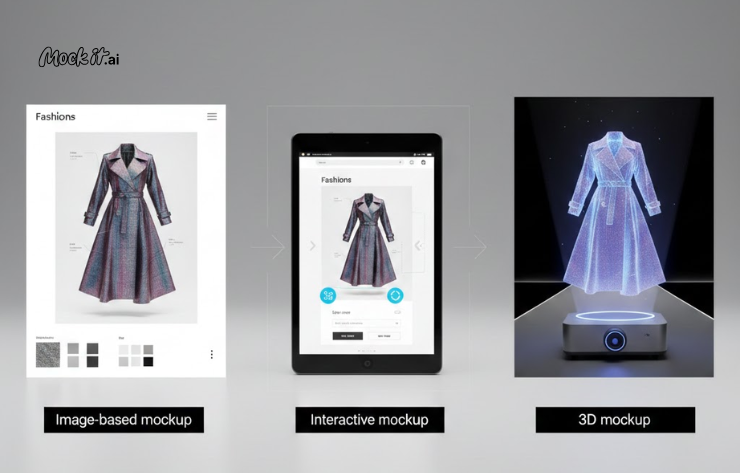
Digital mockups are also categorized by type or technical format, which determines how a design is presented and how users interact with it. The chosen format determines whether a mockup is primarily used for visual review, interaction testing, or spatial validation. Selecting the right format helps teams align the mockup with its intended purpose, whether that is an early design review, usability testing, or immersive product visualization.
- Image-based mockups (static visual representations)
Image-based mockups are static visuals that present a design from one or more fixed views. They are used to show layout, composition, color usage, and overall appearance without any interaction. Design teams rely on these mockups to review visual structure, confirm design direction, and share clear references for presentations or marketing materials.
- Interactive mockups (clickable prototypes)
This format simulates real user behavior by allowing clicks, navigation, and basic system responses. It supports testing user flow, validating interaction logic, and understanding how a design behaves during use. Design teams rely on interactive mockups to surface usability issues and refine navigation before development begins.
- 2D and 3D mockups (immersive visual experiences)
2D and 3D mockups provide deeper visual context by representing products across multiple views or in 3D. 2D mockups support flat layout and interface review, while 3D mockups allow teams to examine structure, proportions, and spatial relationships. These formats are commonly used in product design and virtual prototyping to evaluate how a digital model resembles a physical product.
What Are the Benefits of Using Digital Mockups?
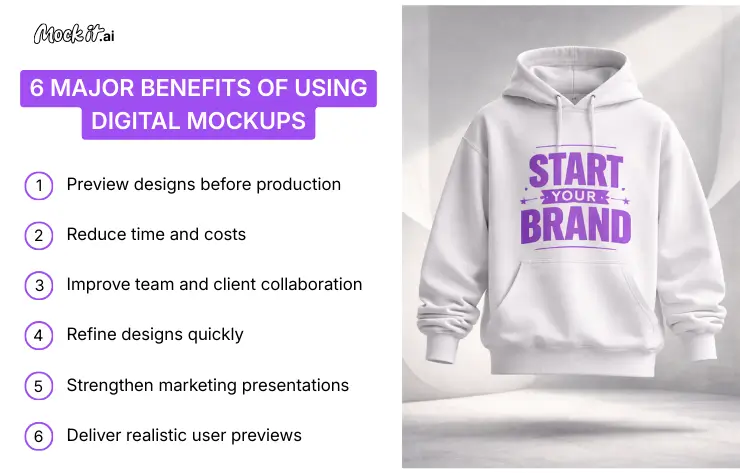
Digital mockups reduce time and costs, improve team and client collaboration, support quick design refinement, and provide realistic user previews across different industries. By allowing teams to visualize and validate designs before production begins, they help identify issues early and avoid costly revisions later. This combination of efficiency, clarity, and realism leads to better decision-making and higher overall design quality throughout the project lifecycle.
6 major benefits of using digital mockups:
- Preview designs before production
Digital mockups allow teams to view a product’s appearance, structure, and interaction at an early stage. With this, designers and engineers can see exactly how colors, textures, and layouts work together on the design. This realistic pre-visualization ability ensures that the final product’s appearance matches the original vision, preventing design drift, in which the end result looks nothing like the initial concept.
- Reduce time and costs
Unlike traditional prototyping, which uses ink, plastic, or metal, digital mockups require fewer resources, saving time and reducing costs. With digital mockups, designers can run hundreds of early revisions without wasting a single physical resource. Recent industry data from Forrester Research and the National Institute of Standards and Technology (NIST) indicate that companies using virtual prototyping can reduce development costs by up to 33% and accelerate product development cycles by up to 50%.
- Improve team and client collaboration
Digital mockups act as boundary objects that create a shared visual language between designers, engineers, and non-technical stakeholders. High-fidelity mockups ensure everyone reviews the same design system, reducing ambiguity and keeping discussions focused. Modern mockup tools also support real-time comments and annotations, which shorten feedback cycles, reduce misinterpretation, and enable faster, more efficient collaboration.
- Refine designs quickly
Since a digital mockup is not tied to a physical mold or a hard-coded backend, designers can refine designs quickly by updating layout, structure, and interactions in real time. This flexibility reduces risk during experimentation and supports creative exploration, as teams can test bold ideas, reverse changes easily, and iterate without long revision cycles.
- Strengthen marketing presentations
High-quality mockups give marketing teams realistic visuals for presentations, campaigns, and promotional materials. These visuals clearly communicate product value, design intent, and functionality, helping stakeholders and audiences understand the offering before the final product is developed or released.
- Deliver realistic user previews
Digital mockups give users and stakeholders a convincing preview of how a product will look and function. This clarity supports usability evaluation, sets accurate expectations, and enables informed feedback, helping teams validate decisions before development or production is finalized.
How to Create a Digital Mockup?
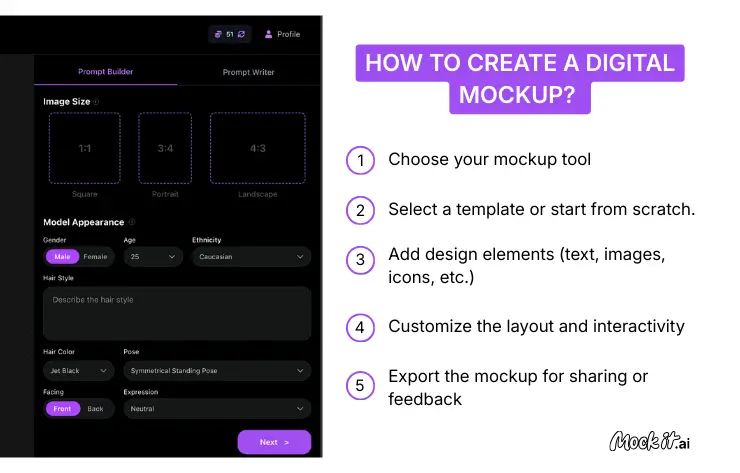
To create a digital mockup, start by choosing a proper mockup tool, then select a design template or build your own layout, add design elements, customize the layout and interactions, and export the mockup for review or feedback. This step-by-step process helps ensure the mockup remains clear, functional, and aligned with the project’s goals.
5 steps to create a digital mockup:
- Choose your mockup tool
Start by selecting a mockup tool or mockup generator that meets the project’s requirements, including design complexity, collaboration needs, and budget. The right tool makes it easier to create mockups, apply changes efficiently, and support features such as drag-and-drop editing and real-time feedback.
- For Non-Designers: Tools like Canva or Placeit offer drag-and-drop simplicity and pre-made scenes.
- For UI/UX Professionals: Industry standards like Figma and Adobe XD enable high-fidelity precision and complex interaction mapping.
- For Product Engineers: Specialized software such as SolidWorks or Adobe Illustrator is better suited for 3D modeling and manufacturing specifications.
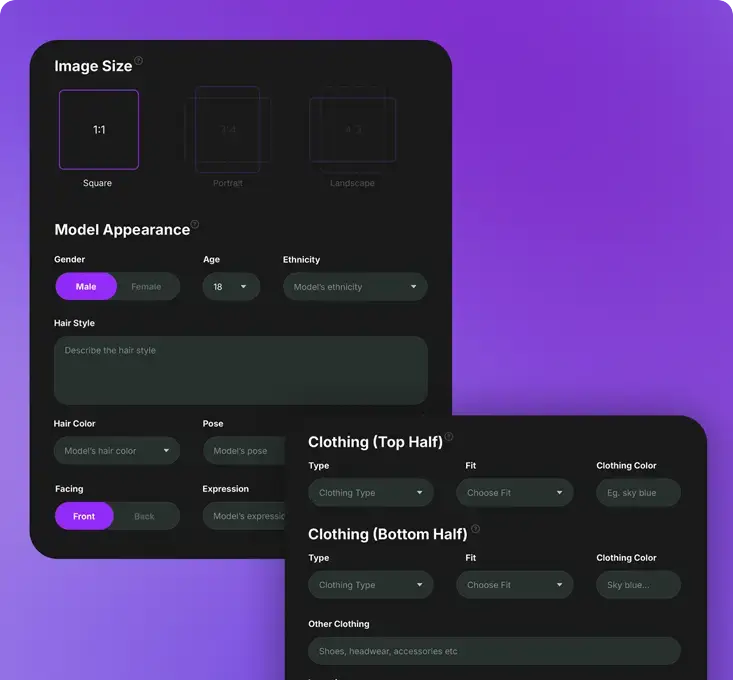
- For Beginners to Experts: AI mockup generators, such as Mock It AI, turn simple prompts into visual mockups in minutes, enabling rapid experimentation and countless design explorations easily.
- Select a template or start from scratch.
Once your digital mockup tool is ready, choose a template or start from scratch. Templates help speed up the process by providing a predefined structure, which is useful for common layouts like apps or websites. On the other hand, starting from scratch offers full control over structure and dimensions, which is often preferred for custom products or complex systems.
- Add design elements (text, images, icons, etc.)
Insert core design elements to define content, hierarchy, and visual balance. This step helps the mockup more closely resemble the intended product and allows teams to validate appearance, spacing, and information flow.
- Customize the layout and interactivity
Adjust layout, alignment, and interaction paths to reflect how users will navigate and interact with the design. Adding basic interactivity helps validate user flow and ensures the system logic is clear before development begins.
- Export the mockup for sharing or feedback
Once the mockup is ready, export it in a suitable format for review or presentation. Sharing the mockup allows stakeholders to provide feedback, supports collaboration, and helps finalize decisions before moving to development or production.
Creating a digital mockup, whether it is a low-fidelity wireframe, a high-fidelity visual design, or an interactive prototype, is a structured way to translate ideas into testable visuals that support early validation and informed decision-making. With various tools available to create digital mockups, including traditional design software and AI mockup generators, teams can choose solutions that match their skill level, speed requirements, and the level of design detail needed at each stage of the process.